Wan 3.0 guide: modes, prompts and face-swap lessons
By AI-0 editorial team
On this page
Wan 3.0, often written Wan 3, is Alibaba's newest Wan video model, released in August 2026. It makes clips of up to 30 seconds at 480p, 720p or 1080p with sound, from a text prompt plus optional image, video and audio references. In AI-0 you can use Wan 3.0 Prime, the faster version, with credits from optional ads.
We use Wan 3 for our own social videos, mostly to put a new face into short clips. What surprised us early on is that the references do more than you ask. Give it a face photo and you can also get that photo's top and earrings, whether you wanted them or not.
This guide is what we wish we had read first: the modes, how we structure prompts, what changed from Wan 2.7, and the face-swap lessons that cost us credits to learn. AI-0 is on the App Store and Google Play.
What is Wan 3.0?
Wan is Alibaba's family of image and video models, available on its own site, wan.video, and through Alibaba Cloud's Model Studio API. Wan 3.0 arrived on Model Studio in August 2026. According to Alibaba's Wan 3.0 guide, the model:
- makes clips of 2 to 30 seconds in one generation, at 30 frames per second
- outputs 480p, 720p or 1080p
- accepts up to 10 reference images, 5 reference videos (15 seconds in total) and 5 audio clips (15 seconds in total)
- can also read one document or one web page as source material
- generates dialogue, music and sound effects with the video by default
- edits or extends an existing clip when the prompt asks it to
Wan 3.0 Prime is the speed-optimized version, listed by Alibaba with the same features. That is the version in AI-0.
One thing the "Wan 3.0 free online" sites in Google tend to skip: at the time of writing, Wan 3.0 is not open source. Alibaba's official Wan-AI account on Hugging Face has open weights for the Wan 2.2 family, and nothing for 3.0. Those sites are reselling access to Alibaba's API, usually with a few sign-up credits before the paywall.
What changed from Wan 2.7
If you used Wan 2.7 (we wrote a Wan 2.7 guide earlier this year), the jump to 3.0 is mostly about length and references.
| Wan 2.7 | Wan 3.0 | |
|---|---|---|
| Longest clip | 15 seconds for text-to-video | 30 seconds in one pass |
| Resolution | 720p or 1080p | 480p, 720p or 1080p |
| References | Images and video, in a separate reference-to-video model | Up to 10 images, 5 videos and 5 audio clips in one model |
| Documents and web pages | No | One file or one web page per request |
| Editing | Introduced in 2.7 | Carried over, plus extension, both triggered by words in the prompt |
| In AI-0 today | An image model | Wan 3.0 Prime, for video |
The 480p tier is a small change that matters more than it looks, because it makes test runs cheaper. Start new ideas there. The longer clip length is the headline, but our face swaps stay at 5 seconds, and every extra second is another chance for a face to drift.
Text-to-video vs image-to-video vs video reference
Wan 3 is one model with several ways in. Which one you use depends on what you need to stay the same.
| Mode | What you give it | Best for | Watch out for |
|---|---|---|---|
| Text-to-video | A prompt only | New scenes, B-roll, testing an idea | People and outfits change from clip to clip |
| Image reference | Up to 10 images | Keeping a character, product or outfit the same | Everything in the photo leaks in, clothes and jewellery included |
| Video reference | Up to 5 clips, 15 seconds in total | Copying a movement, replacing a person, matching timing | The output length is close to the source, not exact |
| Audio reference | Up to 5 clips, 15 seconds in total | Matching a voice or a piece of music | The 15-second total fills up fast, so trim to the part you need |
| Edit or extend | A video plus "replace", "remove", "change to", "extend" or "continue" | Changing one thing in a clip, or making it longer | Say what must stay exactly as it is |
In AI-0, the images you add go in as references. Wan uses them to decide who and what appears, so the clip doesn't have to open on your exact photo. If you need the first frame to match a picture precisely, an image-to-video model built around a start frame suits that job better. Our text-to-video vs image-to-video guide covers the difference in general. Alibaba's document and web page inputs are not options in AI-0 at the time of writing.
How to structure a Wan 3 prompt
Alibaba numbers references by type and by the order you add them: Image 1, Image 2, Video 1, Audio 1, and so on. Use those names in the prompt. "The woman in Image 1 wears the jacket from Image 2" is clear. "Use the photos" is not.
We write every Wan prompt in the same order:
- Shot and camera: shot size, lens, camera rig and move, speed, and how the shot ends.
- Subject, linked to its reference: "the man in Image 1".
- The action, with timing if the clip is longer than about 6 seconds.
- Setting and light.
- Sound: what you should hear, and what you shouldn't.
- What to keep: "keep his face, hair and glasses exactly as in Image 1".
For multi-shot clips, Alibaba suggests 4 to 6 seconds per shot, with timestamps. Give each shot its own camera line, the same as you would for a single clip. A 12-second prompt looks like this:
0 to 5 s: Medium shot, 35mm lens, gimbal, slow walk backwards in front of her. The woman in Image 1 walks through a sunny street market holding an iced coffee, smiling at the stalls. 5 to 9 s: Close-up, 85mm lens, static. She stops, takes a sip and laughs at something off camera, eyes crinkling. 9 to 12 s: Wide shot, 24mm lens, slow crane up, ending on the whole market from above. Sound: market chatter, a vendor calling out, light footsteps, no music. Keep her face, hair and earrings exactly as in Image 1.
How to use Wan 3.0 in AI-0
- Install AI-0 from the App Store or Google Play. New accounts start with 15 credits.
- On the Home screen, tap Earn Credits if you need more. Each optional ad adds 5 credits, up to 10 ads every 10 minutes.
- Choose Video, tap the model row and select Wan 3.0 Prime.
- Add your references: images, videos or audio.
- Write the prompt, then pick the duration, resolution and aspect ratio.
- Check the credit cost on the Generate button and generate.
- Find the finished clip in your history, where you can download it.
At the time of writing, AI-0 offers Wan 3.0 Prime at 480p, 720p or 1080p, with up to 10 image, 5 video and 5 audio references. The duration picker in the app currently runs from 4 to 17 seconds. Alibaba describes the model as capable of 30 seconds, so the 17-second ceiling comes from our app's current options. The app always shows the current choices.
Video uses far more credits than images, and longer or higher-resolution clips cost more. A 17-second 1080p clip is a very different cost from a 5-second 480p test. The credits guide explains how it adds up.
Swapping a face into a video with Wan 3: what we learned
First, the rule. Only put a real person's face into a video if that person has agreed to it, and never use it to make someone appear to say or do something they didn't. That covers friends, exes, colleagues and celebrities alike. Swapping without consent can break platform rules and the law in many places. We use this for our own generated characters and for people who have said yes.
The method is a video reference plus an image reference, with a prompt along the lines of "Replace the person in Video 1 with the person in Image 1. Keep the camera, background, timing and movements exactly as in Video 1." Here is what made the difference for us:
- Trim the source clip to exactly 5.00 seconds before you upload it. In our tests, that mattered.
- Expect the output to come back slightly long. Ours returned at about 5.04 seconds, and we trimmed it back to 5.00 so it lined up with the original.
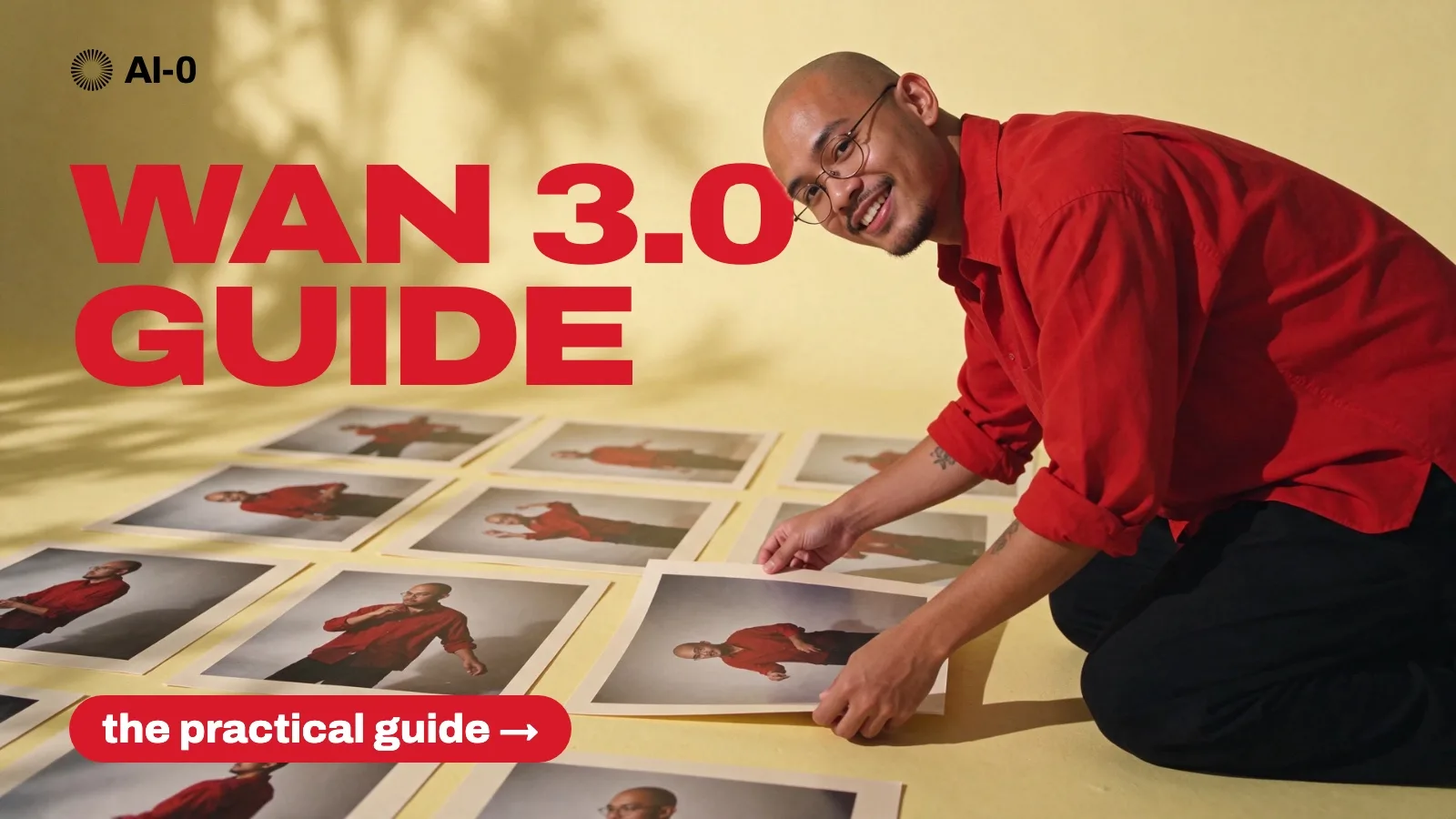
- Match the face photo to the source. The light direction, the head angle and the hair length in the photo should match the person in the video. Matching them is what made our swap blend.
- Watch the clothes. The reference photo's outfit and jewellery leak into the result. If the person in Image 1 wears a red top and the person in Video 1 wears a grey one, you may get red. Use a face photo with plain clothes close to the source outfit.
- Spell out strong expressions. The swap softened big reactions into mild ones, so say how strong the expression is, for example "a huge open-mouthed laugh, eyes squeezed shut".
- Test one clip before a batch. A bad batch wastes a lot of credits, and one 480p test tells you whether the face holds.
The same leak happens with still images. Clothes and jewellery in a reference photo can carry into new scenes too, so crop face references to the face and hair. Our AI influencer guide covers that workflow.
When to pick another model
Wan 3.0 is our default when a clip needs several references, or video references in particular. For other jobs we reach for something else in AI-0. MiniMax H3 MAX (Hailuo 03) is strong on physical action like sport, dance or things colliding, and it makes native stereo sound, so it is the one to try for talking scenes. Runway Gen-4 Turbo turns one still into a 5-second 720p clip. Grok Imagine animates a photo into a 6 or 10-second clip and adds the sound for you.
Frequently asked questions
What is Wan 3?
Wan 3, or Wan 3.0, is Alibaba's latest video generation model, released in August 2026. It makes clips of up to 30 seconds at up to 1080p from text, images, video and audio, with sound generated alongside the picture.
Is Wan 3.0 free?
Alibaba charges for Wan 3.0 through its API, and most "free online" sites give only a few sign-up credits. In AI-0 you can use Wan 3.0 Prime with credits earned by watching optional ads, with no subscription required.
How long can Wan 3.0 videos be?
Alibaba says Wan 3.0 can make up to 30 seconds in one generation. In AI-0, at the time of writing, the duration options for Wan 3.0 Prime run from 4 to 17 seconds, and the app shows the current range.
Is Wan 3.0 open source?
Not at the time of writing. Alibaba has published open weights for earlier Wan models, up to the Wan 2.2 family, but Wan 3.0 is only available through Alibaba's own services and the apps that use its API.
What is Wan 3.0 Prime?
Wan 3.0 Prime is the speed-optimized version of Wan 3.0, which Alibaba lists with the same features as the standard model. It is the Wan 3 version available in AI-0.
Can Wan 3 swap faces in a video?
Yes. With a video reference and a face photo as an image reference, you can ask it to replace the person in the video. Only do this with your own generated characters or with the clear consent of the person whose face you use.
Start with one 5-second test
Pick one reference image, write a 5-second prompt that names the camera and the action, and run it once at 480p. When the face and the motion hold, move up to 1080p or a longer clip. AI-0 is free to download on the App Store and Google Play.
Create on your phone with AI-0
Watch a short ad when you need credits, choose a video or image model, and create without a monthly subscription.