How to earn free AI credits on AI-0
A straightforward look at earning AI-0 credits through optional ads, available rewards, and ways to avoid wasting credits while testing prompts.
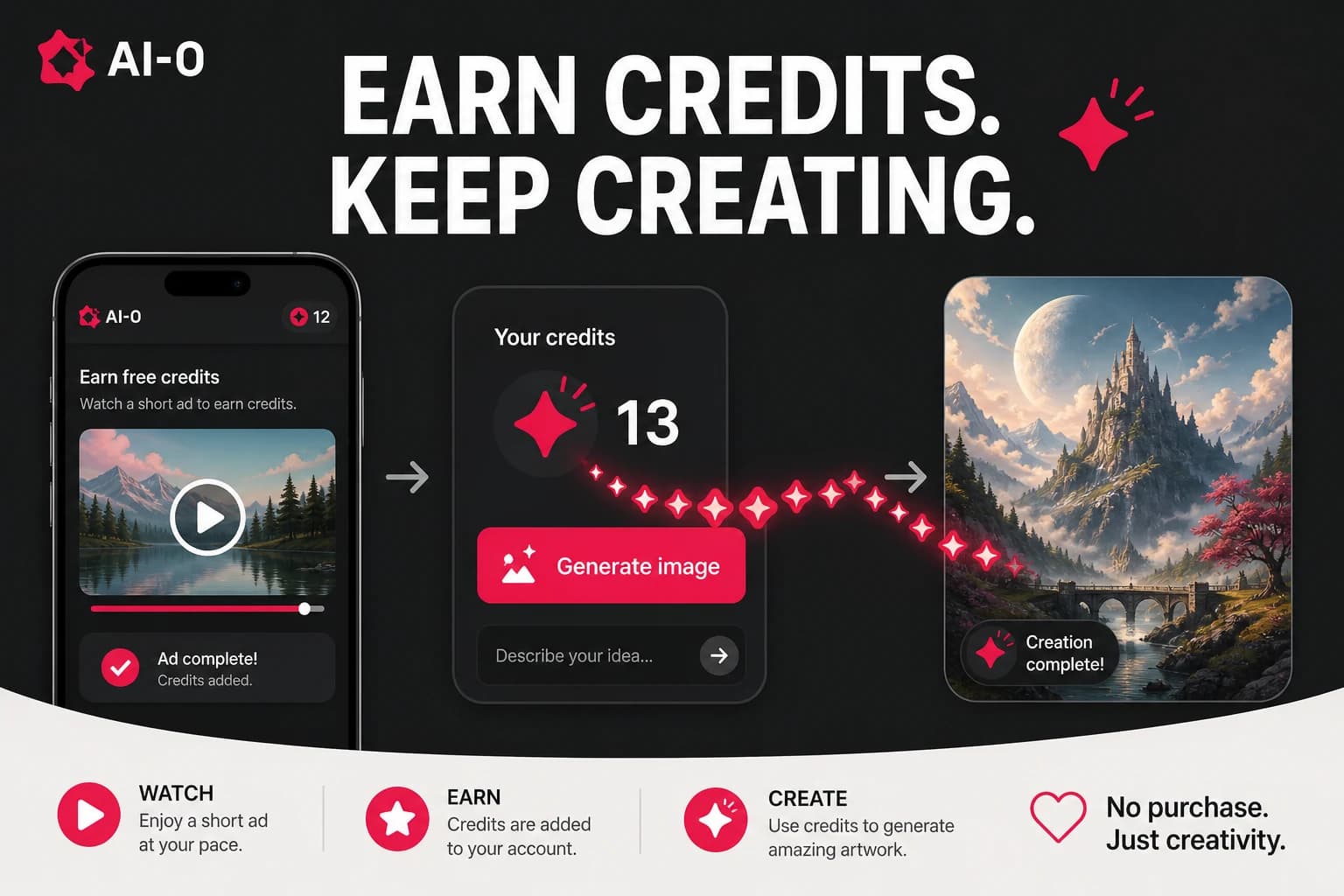
AI-0 uses credits for image and video generations. You can earn credits through optional ads and may see other rewards in the app. The useful habit is to read both numbers before generating: what the reward pays and what the selected model costs.
How the credit system works
The credit cost depends on the model and settings. AI-0 shows that cost before you confirm a generation. The Earn Credits screen also shows the reward for an optional ad.
Ways to earn credits
Watch ads
Open "Earn Credits" from the dashboard and review the displayed reward. If you choose to watch the ad, confirm that the credits appear before starting a generation.
Daily login bonus
If a daily reward is available, the app will show its current terms. Claim it when useful; reward amounts and availability can change.
Sign-up bonus
A welcome reward may be available for new accounts. Check the sign-up screen for the current amount.
In-app tasks and challenges
AI-0 may offer tasks tied to trying a feature or model. Check the Tasks section for current rewards and requirements.
Tips to get the most from your credits
Do the cheap thinking first. Settle the crop and basic look with a still image before paying for video motion that may not suit the scene.
- Explore with images: settle the subject and style before moving to video.
- Match the model to the job: use a still image when motion adds no value.
- Read the cost first: settings can change how many credits a generation uses.
- Keep useful prompts: reuse a reliable starting point instead of rebuilding it.
How many generations do credits cover?
Divide your current balance by the cost shown for the selected model and settings. Because rewards and costs can change, the app is the reliable place to calculate how many generations your balance covers.
Create on your phone with AI-0
Watch a short ad when you need credits, choose an image or video model, and create without a monthly subscription.
 Download on the App Store
 Get it on Google Play