Text-to-Video vs. Image-to-Video: Which AI Method Should You Use?
Compare text-to-video vs image-to-video AI for creative control, consistency, prompt structure, output quality, and common video workflows.
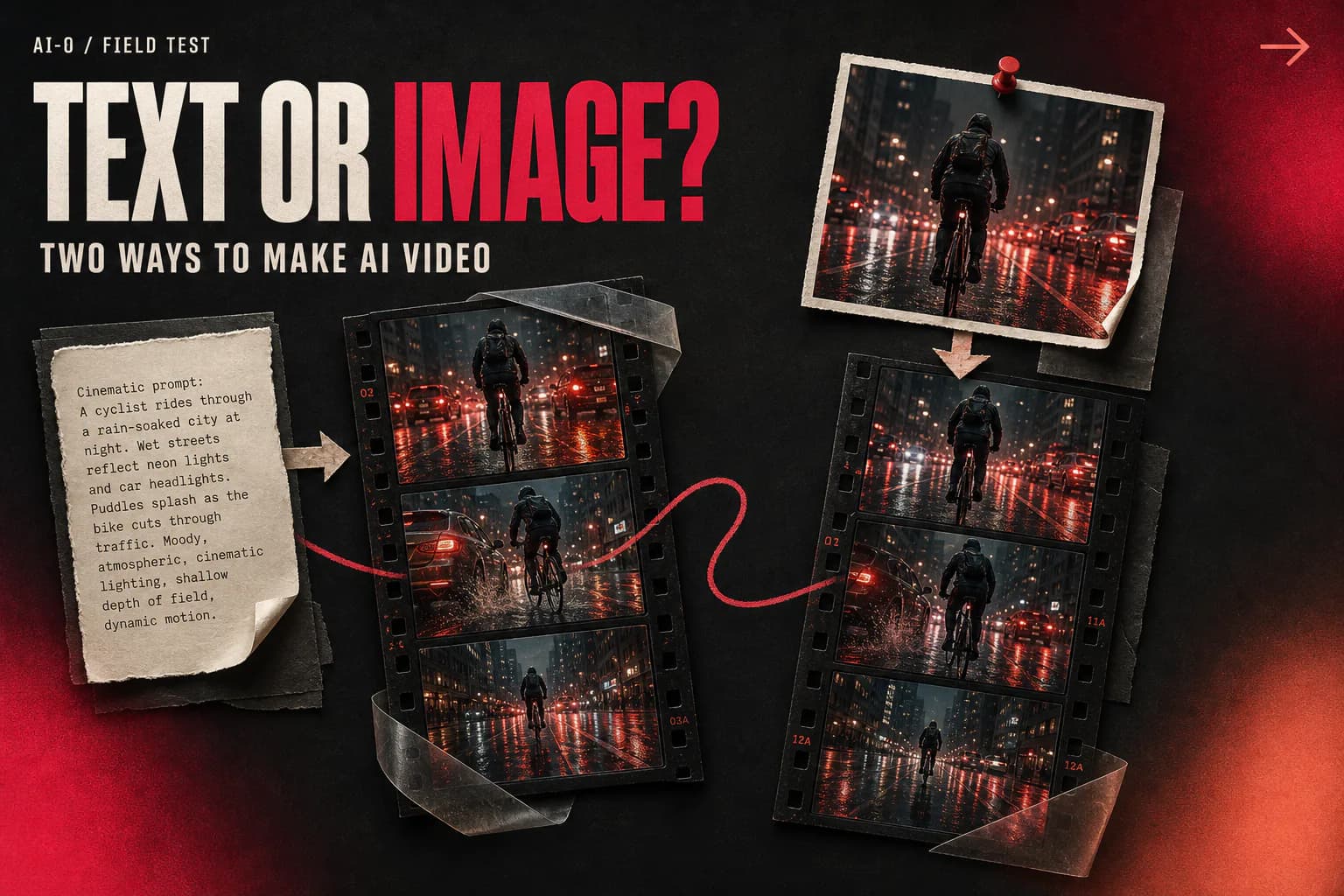
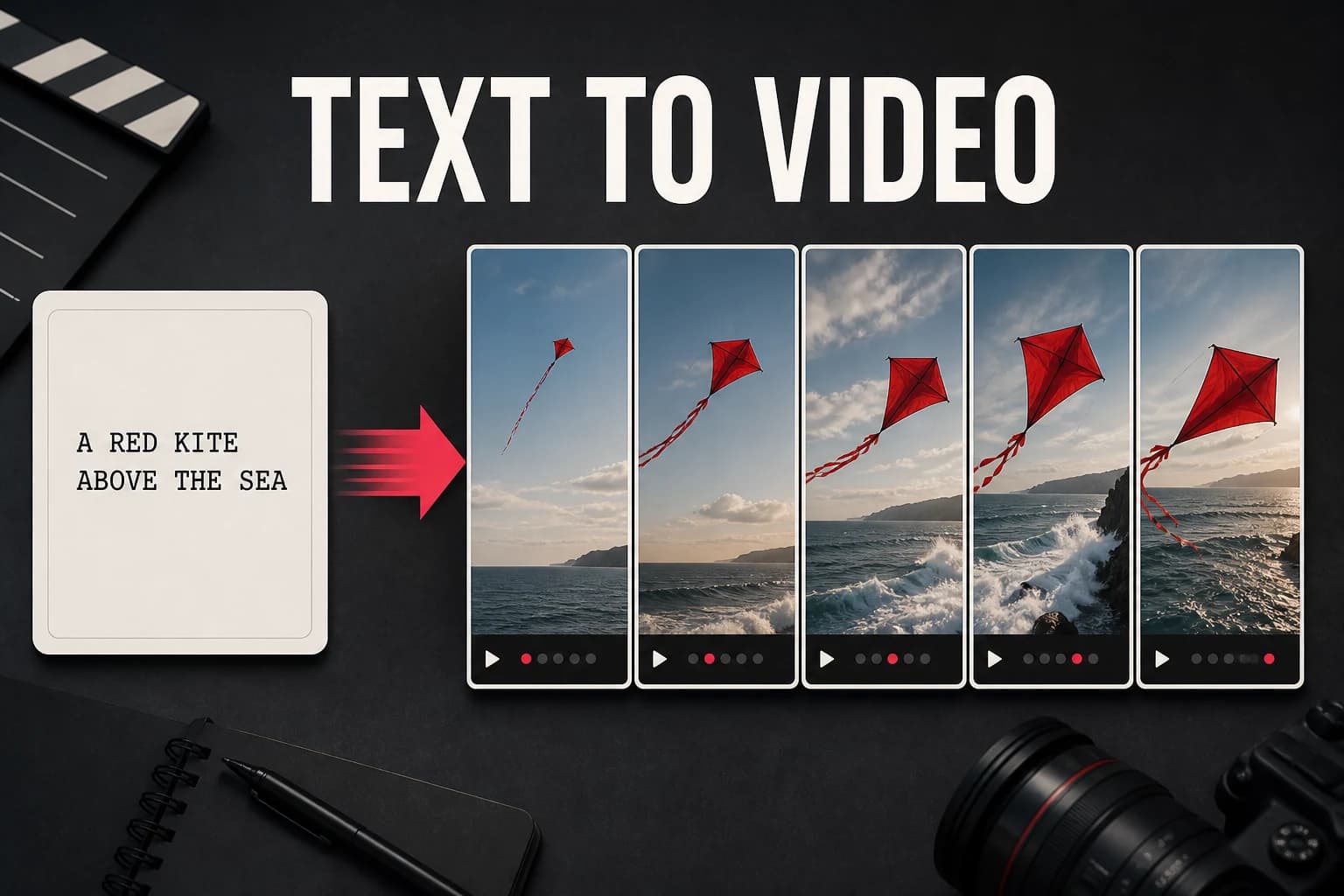
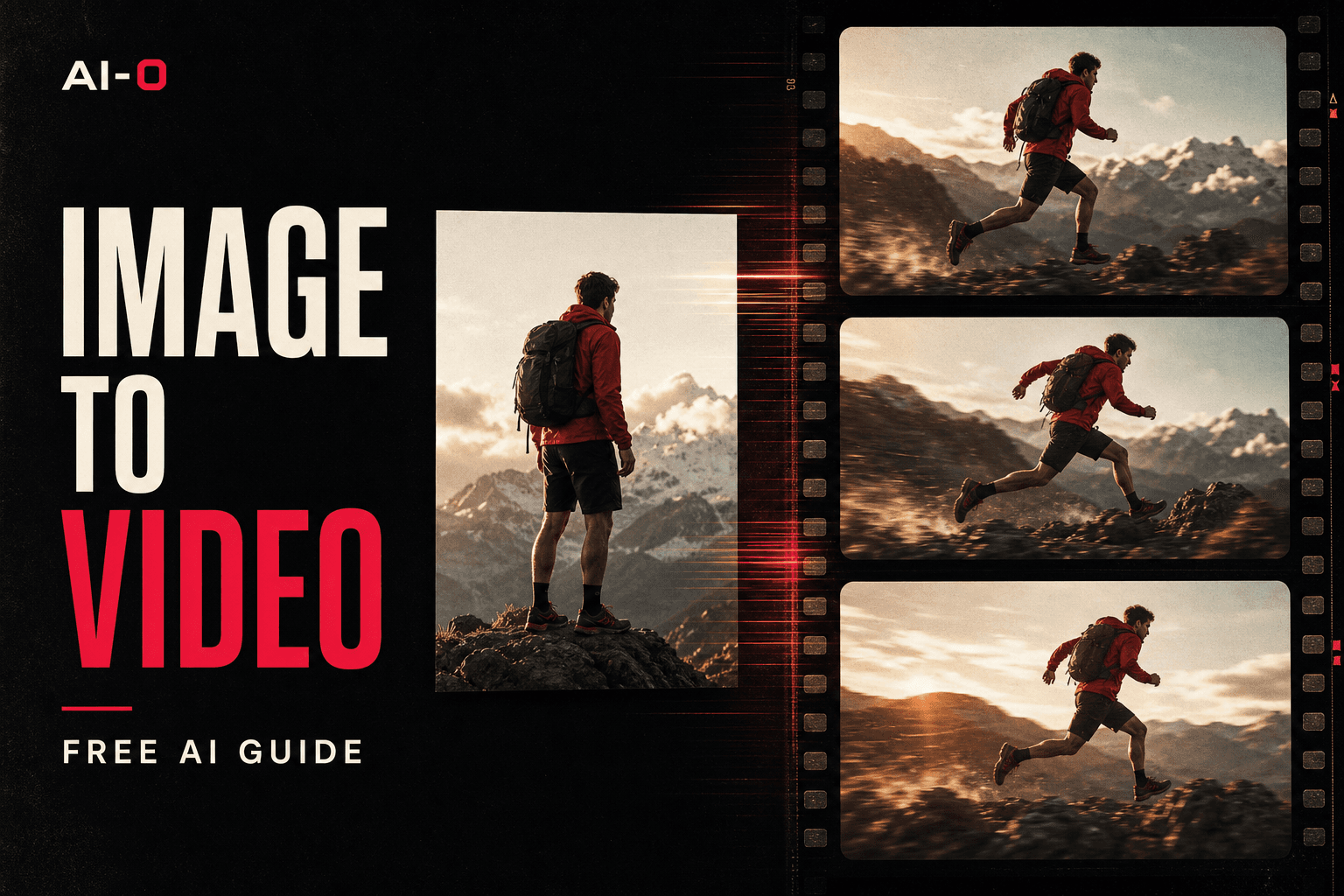
The difference between text-to-video and image-to-video AI is the starting point. Text-to-video turns a written description into a complete moving scene. Image-to-video starts with a picture you chose and adds motion to it. Use text-to-video when you want surprise and speed. Use image-to-video when the first frame needs to look a certain way.
That sounds tidy until you try both. Text-to-video can give you a shot you never would have planned, which is either delightful or annoying depending on the deadline. Image-to-video feels more controlled at first, but the model still has to invent everything that happens after the uploaded frame. Neither route is a magic preserve-every-pixel button.
To make the comparison useful, this guide builds the same bakery-at-sunrise concept for both workflows. The point is not to crown a permanent winner. Models change. It is to show which decisions you keep, which decisions you hand over, and where each method tends to go wrong. Download AI-0 from the App Store or Google Play.
Text to video vs image to video: the quick comparison
| What changes | Text-to-video | Image-to-video |
|---|---|---|
| Starting input | A written scene and motion description | A still image plus a motion description |
| Composition control | Lower. The model designs the opening frame. | Higher. Your image fixes the opening composition. |
| Subject consistency | Harder when a person or product must match earlier work | Usually easier, though details can still drift in motion |
| Room for invention | High. Useful for visual exploration. | Narrower. The source image sets boundaries. |
| Typical weak point | The scene may not match the picture in your head. | Large movement may reveal or distort details outside the still frame. |
| Good first use | B-roll, concept shots, atmosphere, visual brainstorming | Products, recurring characters, artwork, prepared social graphics |
The table is about workflow, not a promise that one model will always look better. A strong text-to-video model can beat a weaker image-to-video model on the same idea. Prompt quality, duration, source-image quality, and plain luck all affect a generation. Compare the methods with the same destination in mind: a polished product clip needs a different kind of accuracy than a strange background shot for a music video.
How to test the same concept both ways
Use a brief that is small enough to judge without getting lost in plot: a neighborhood bakery at sunrise, warm light in the windows, and a cyclist passing as the camera moves closer. The final clip should feel quiet and believable.
Route 1: make the whole shot from text
For text-to-video, the prompt has to do two jobs. It describes the picture and directs the movement:
Slow camera push toward a tiny neighborhood bakery at sunrise. Warm light spills from the windows onto a damp sidewalk. One cyclist passes in the background. Quiet documentary footage, natural movement, landscape framing.
This route is quick. There is no source image to prepare, and the model may come back with a lovely facade, an unexpected reflection, or a camera angle you had not considered. It may also put the cyclist in the foreground, invent unreadable signage, or interpret "tiny" as a miniature building. You are asking for an entire frame and its motion in one go, so there are more decisions the model can make differently.
Route 2: approve the frame, then animate it
For image-to-video, make or choose the bakery still first. The image prompt can concentrate on appearance:
A small neighborhood bakery at sunrise, warm windows, damp sidewalk, hand-painted sign, eye-level documentary photography, clean landscape composition, open space on the right.
Once the still looks right, upload it to a compatible video model. Now the video prompt can stop redescribing the bricks and windows. It only needs to direct the shot:
The camera pushes in slowly. A cyclist crosses the open space from right to left. Window light flickers slightly on the wet pavement. Keep the bakery facade and sign stable.
This takes an extra step, but you get to reject a bad facade before spending video credits. You can also place the empty space where the cyclist should pass. The compromise appears once the camera moves. A push-in is easy for the source image to support; a fast orbit would force the model to invent the sides of a building it has never seen.
How the two routes change control, consistency, and quality
Text-to-video gives up more control and leaves room for surprises
With text-to-video, the composition is part of the generation. That makes it useful when you are still figuring out what the scene should be. It also makes exact art direction slower. If the light is good but the storefront is wrong, you may have to generate again rather than repairing one isolated choice.
Image-to-video keeps the opening frame closer to plan
The prepared still settled the color, facade, sign position, and camera height before motion began. That is a meaningful advantage when another image already defines the character or product. Still, "closer to plan" is the honest phrase. The cyclist, reflections, and later frames are new material. Fine lettering and faces deserve a close check.
Output quality depends on what you call quality
The text-first route has more freedom to create natural motion because it is not tied to a fixed frame. The image-first route can look more intentional because the composition was approved in advance. If "quality" means visual surprise, text-to-video often has the edge. If it means matching an established look, image-to-video is usually the more sensible bet.
There is a small trap here. A technically smooth clip can still be wrong for the job. A slightly restrained image-to-video shot that preserves the product may be more useful than a gorgeous text-to-video clip featuring a product that does not exist.
Which AI video method should you use?
Choose text-to-video when the scene does not exist yet
Start from text for an establishing shot, an imaginary environment, a bit of B-roll, or an early concept. It is also the faster way to test whether an idea has any visual life before you spend time preparing references.
Choose image-to-video when the still image is already doing important work
An approved product photo, a character portrait, album art, a thumbnail, or a client-supplied illustration all carry decisions you probably want to keep. Begin with that image and request one modest movement. The more exact the source must remain, the gentler the animation should be.
Use both when consistency matters and the scene is not designed yet
A practical route is to generate still images cheaply, choose the composition that feels right, then animate only the keeper. It is slower on paper and often faster in the end. You avoid paying video-level credits to discover that the jacket, package, or background was wrong from the first frame.
| If your priority is... | Start with... | Why |
|---|---|---|
| Finding an unexpected visual | Text-to-video | The model has room to design the scene. |
| Matching a product photo | Image-to-video | You control the opening product view. |
| Keeping a recurring character recognizable | Image-to-video | A reference image gives the model a concrete face and outfit. |
| Making quick atmospheric B-roll | Text-to-video | You can skip still-image preparation. |
| Building a polished campaign shot | Both | Approve the visual in a still, then animate it. |
How to test text-to-video and image-to-video in AI-0
AI-0 brings both routes into the same mobile workflow. You can earn credits through optional ads rather than starting a subscription, then compare models and input requirements in the Video picker. The picker is the reliable source for what is available today. Model support and credit prices can change.
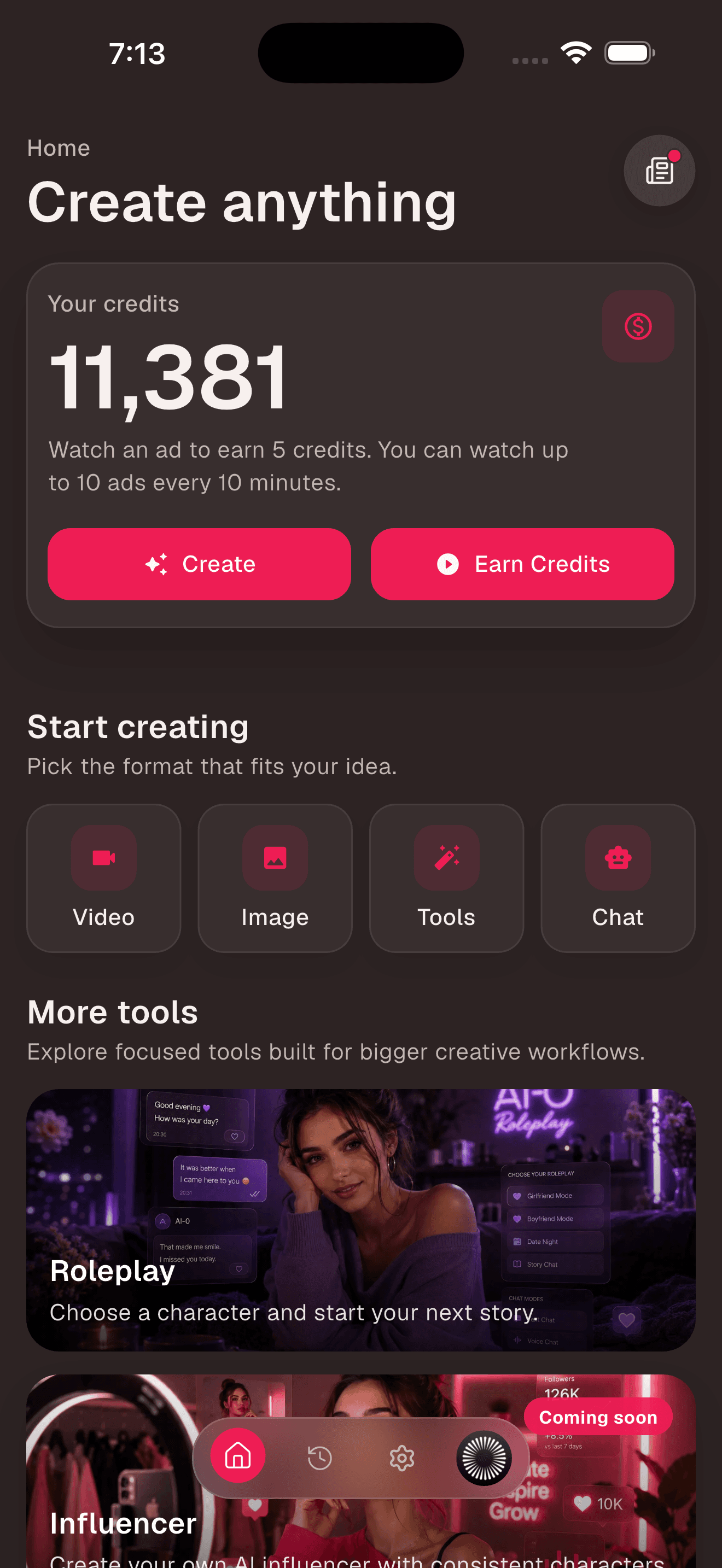
1. Check the balance before choosing a route
The Home screen shows your credit balance and the current Earn Credits option. If you need more, review the displayed reward and watch the ad only if the trade makes sense for you. Then open Video.
2. Read each model's input note
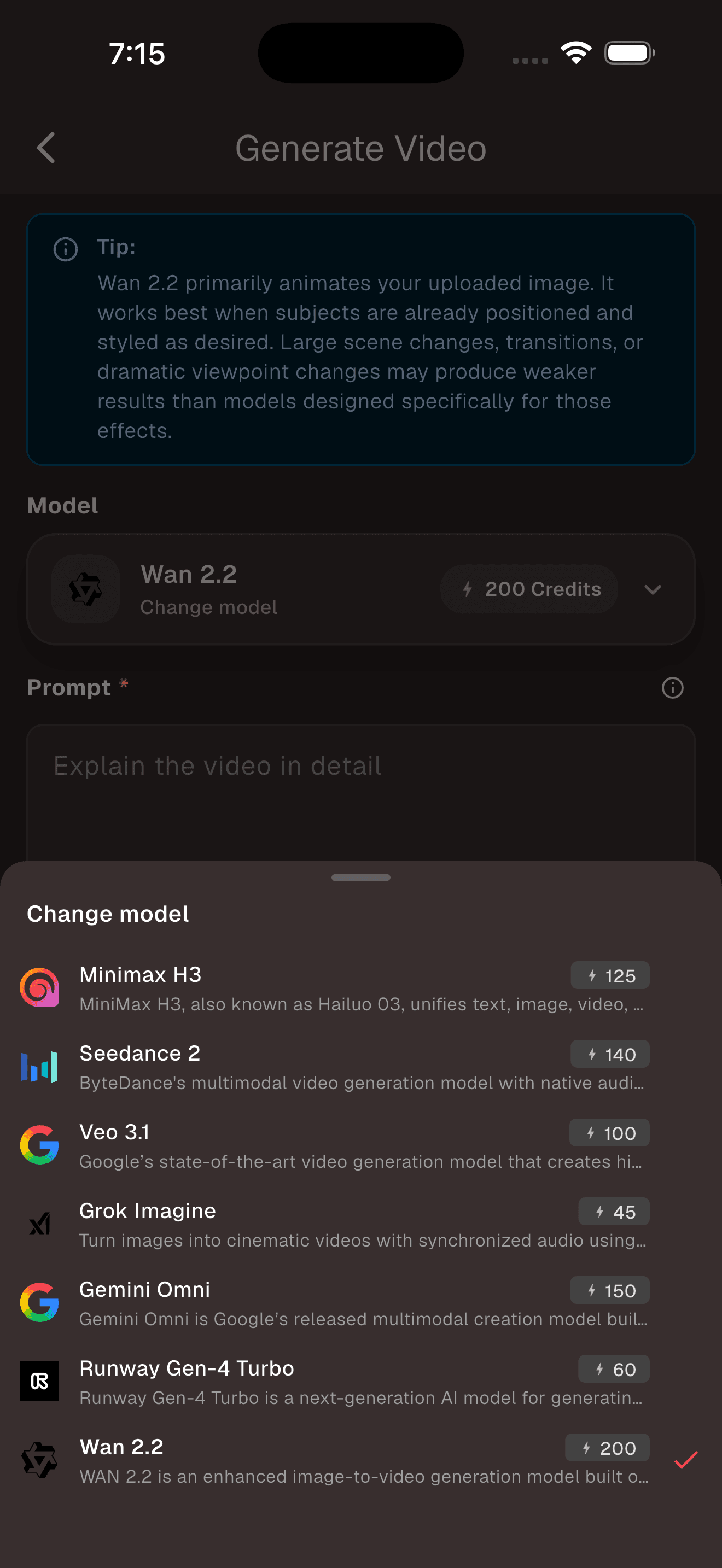
Open the model picker. Some models support text-to-video, some require an image, and others may support both routes with different controls. Do not choose by model name alone. Check the input requirement and visible cost first.
3. Keep the destination and duration the same
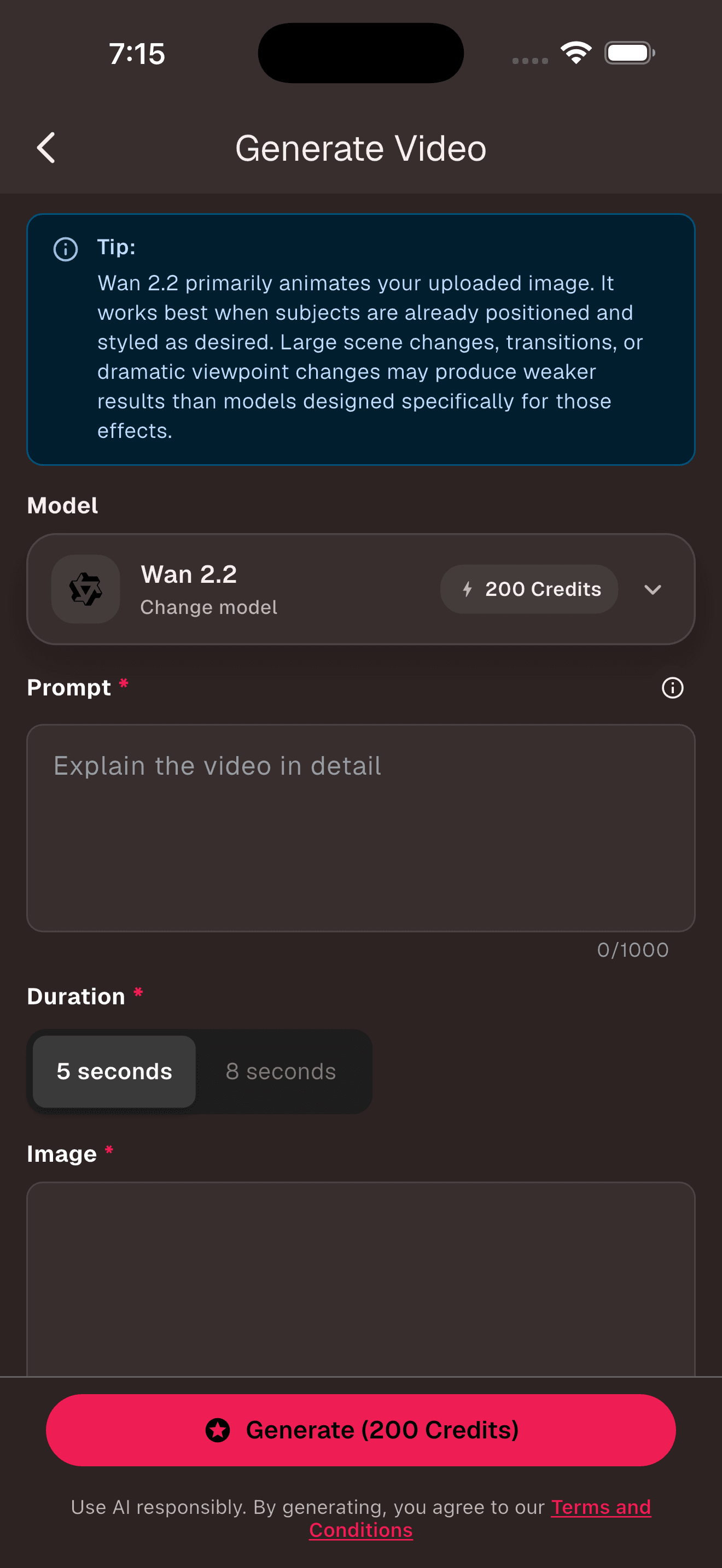
For a fair comparison, use the same aspect ratio and shortest useful duration. Keep the main action the same too. You are testing the starting method, not whether one prompt has twice as much direction as the other.
4. Review the clips for the job they need to do
Watch once for the main action, then once for small drift. Check fingers, eyes, package edges, signs, and anything entering the frame. Finally, ask the boring but useful question: could this clip go into the edit? The winner is the one you can use, not the one that looks most impressive while paused on its best frame.
For a deeper walkthrough of the image-first route, see our guide to turning an AI image into a video for free. The text-to-video guide covers motion prompts and camera language in more detail.
Frequently asked questions
What is the difference between text-to-video and image-to-video AI?
Text-to-video builds a moving scene from a written prompt, so the model decides the first frame as well as the motion. Image-to-video begins with a still image supplied by you, then adds movement. Text-to-video gives the model more room to invent. Image-to-video gives you more control over composition and the subject's starting appearance.
Is text-to-video or image-to-video better?
Neither method is better for every shot. Use text-to-video to explore a scene quickly or create footage that does not need to match an existing visual. Use image-to-video when a product, character, color palette, or composition needs to begin from a specific look.
Does image-to-video keep a character consistent?
A strong reference image usually gives image-to-video a better starting point for character consistency, but it cannot guarantee that every detail will remain unchanged. Faces, hands, clothing, logos, and objects can still drift as the model invents new frames.
Can I use the same prompt for text-to-video and image-to-video?
You can reuse the idea, but the wording should change. A text-to-video prompt must describe the subject, setting, composition, and motion. An image-to-video prompt can skip details already visible in the source image and spend more words on movement, camera behavior, pace, and details that should remain stable.
Which method is better for product videos?
Image-to-video is usually the safer starting point for product shots because you can supply the approved product image and framing. Keep the requested motion modest, then check the label, shape, and logo frame by frame. Text-to-video is useful earlier, when you are exploring a visual concept rather than reproducing an exact product.
Can I try text-to-video and image-to-video for free?
Yes. AI-0 lets you earn credits through optional ads and spend them on eligible video models without starting a monthly subscription. Model availability, input requirements, reward limits, and credit costs can change, so check the live model picker and Generate button before creating.
Start with the part you need to control
If you have no visual yet, begin with text-to-video and see what the idea becomes. If you already care about the first frame, begin with an image. For work that needs both invention and control, make the still first and animate the version worth keeping.
You do not need to turn this into a theory exercise. Try one short clip each way, keep the prompt focused, and look at the result in the edit where it will actually live. AI-0 lets you run that test with credits earned from optional ads. No monthly plan is required.
Create on your phone with AI-0
Watch a short ad when you need credits, choose an image or video model, and create without a monthly subscription.
 Download on the App Store
 Get it on Google Play