AI wallpaper generator: make free phone and desktop wallpapers that fit your screen
By AI-0 editorial team
On this page
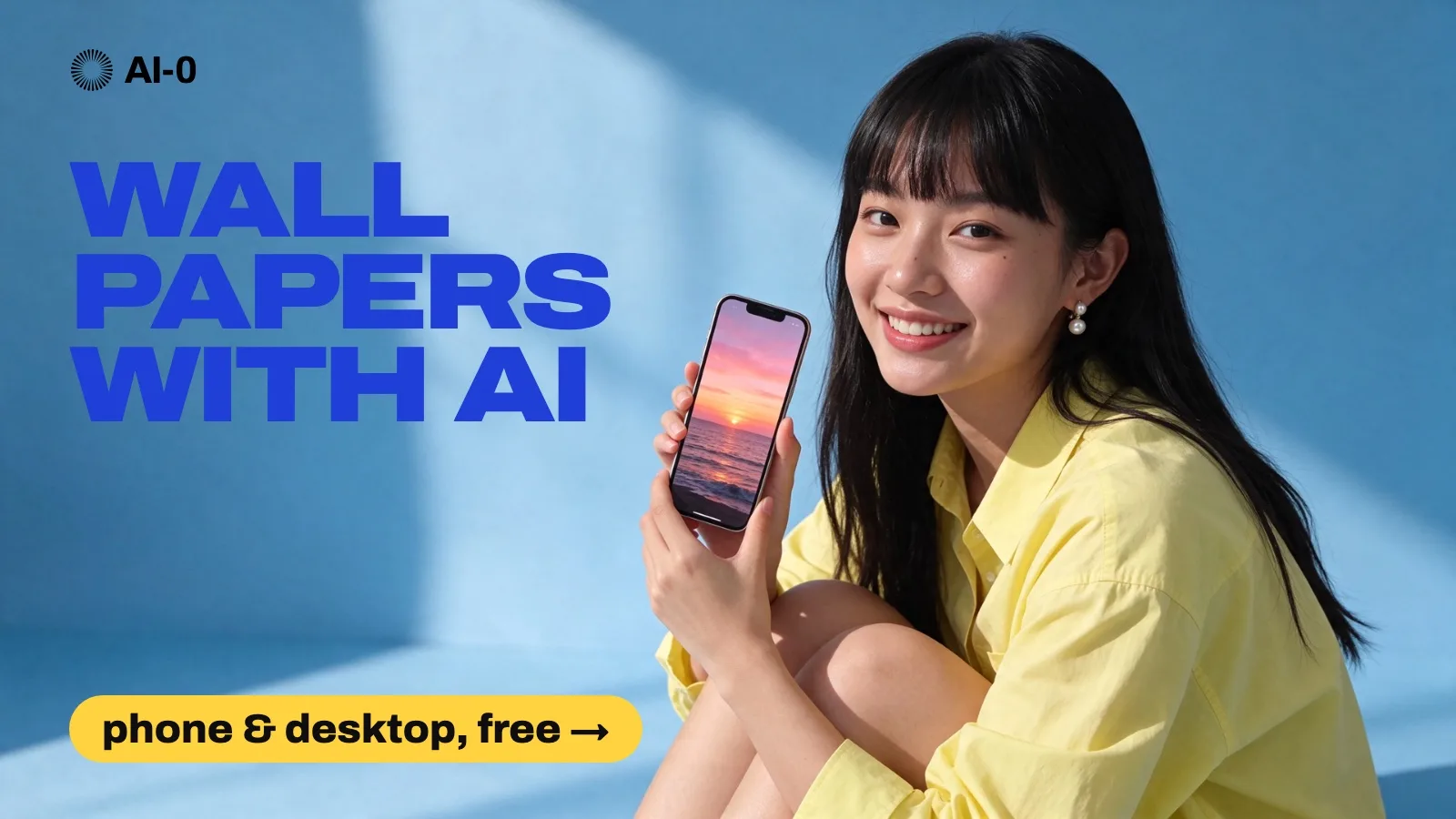
An AI wallpaper generator makes a phone or desktop background from a written description, in the shape of your screen. In AI-0 you can do it for free: choose 9:16 for a phone or 16:9 or 21:9 for a monitor, generate with GPT Image 2.5 (up to 4K) or Seedream 5.5 (up to 2K), and download the result from your history. A still can also become a short live wallpaper.
The usual letdown happens after you set it. The clock lands on the one face in the picture, widgets cover the interesting part, and the phone zooms in so the edges you liked are gone. A good wallpaper is planned around the screen it's going on, and that's mostly a matter of aspect ratio and empty space.
AI-0 is on the App Store and Google Play.
What aspect ratio should a wallpaper be?
Match the shape of the screen, then let the phone or computer do a small crop. At the time of writing, these are the AI-0 settings we'd use:
| Screen | Aspect ratio to pick | What to watch for |
|---|---|---|
| Phone | 9:16 | Most current phones are taller than 9:16, so the phone zooms in and trims the sides. Keep the subject near the middle. |
| Phone, tighter fit | 9:21 in FLUX 3 Klein | Closer to the tall shape of modern phones, so less gets cropped |
| Tablet | 3:4 or 4:3 | Tablets rotate, so keep the subject central |
| Laptop or monitor | 16:9 | Many laptops are 16:10, so a strip at the top and bottom gets trimmed |
| Ultrawide monitor | 21:9 | Put detail across the whole width, or the sides look empty |
GPT Image 2.5, Seedream 5.5 and FLUX 3 Klein all offer 9:16, 16:9 and 21:9.
Which resolution do you need?
Phones are easier than monitors. Most phone screens are under 3,000 pixels tall, so a 2K image is usually enough. A 4K monitor is 3840 x 2160, which needs either the 4K setting or an upscale.
| Option | Resolutions in AI-0 | We'd use it for |
|---|---|---|
| GPT Image 2.5 (Flare or Sunburst) | 1K, 2K or 4K | 4K monitors, graphic styles, anything with text |
| Seedream 5.5 | 1K, 1.5K or 2K | Photoreal scenery and textures on phones and 1080p screens |
| FLUX 3 Klein | 1K, 2K or 4K | The 9:21 phone shape, and a second look at any idea |
| Upscale V5 | 2X, 3X or 4X | Taking a 2K image you love up to 4K monitor size |
For a sense of scale, a 16:9 image we made with Seedream 5.5 at 2K came back at 2816 x 1584 pixels. That's more than a 1080p monitor needs. Run it through Upscale V5 at 2X and it clears 4K comfortably.
Higher resolutions cost more credits, so try ideas at 1K first.
How to make a wallpaper for free in AI-0
- Install AI-0. New accounts start with 15 credits.
- On the Home screen, tap Earn Credits if you need more. Each optional ad adds 5 credits, up to 10 ads every 10 minutes.
- Go back to Home and choose Image.
- Tap the model row and pick GPT Image 2.5, Seedream 5.5 or FLUX 3 Klein.
- Set the aspect ratio for your screen and pick a resolution.
- Write the prompt (style examples below), check the credit cost on the Generate button, and tap it.
- Download the image from your history, set it as your wallpaper, and check both the Lock Screen and the Home Screen.
Leave room for the clock and widgets
On a phone lock screen, the top part belongs to the time and any widgets under it. The bottom has notifications and, on iPhone, the flashlight and camera buttons. That leaves the middle and lower middle for your subject.
So plan the picture with an empty top. Saying it politely doesn't work well. When we made blog covers with Seedream 5.5, asking for the subject "further back" didn't leave enough room for a title. What worked was a hard number: "the top 45% empty plain wall". For a phone wallpaper, try something like "the top third of the frame is empty clear sky" or "the top 35% is plain sand-coloured wall".
A few other things help:
- Put calm areas under the clock. Sky, sea, a wall or a soft gradient keep the time readable.
- Make a quieter version for the Home Screen, where app icons bury fine detail. iPhones let you pair a Lock Screen wallpaper with a different Home Screen image.
- Use the depth effect on iPhone. With a clear subject against a simple background, iOS can place the subject in front of the clock, which looks great on a mountain peak or a person's head.
- On desktops, keep the right side clear on a Mac and the left side clear on Windows, where desktop icons line up by default.
AI wallpaper prompts by style
These are starting points, and the phone prompts already leave the top empty. Swap in your own colours and subjects.
Minimal gradient (phone, GPT Image 2.5)
A smooth soft gradient from warm peach at the bottom to pale lilac at the top, a faint film grain, one tiny white crescent moon in the lower third. Nothing else. No text.
Minimal object (desktop, GPT Image 2.5)
A single ripe lemon with one green leaf on a pale yellow surface, lit by hard afternoon sun with a long soft shadow, the lemon on the left third, the rest of the frame empty. Clean product-style photo. No text.
Anime-style city (phone, GPT Image 2.5)
Anime-style illustration of a quiet street of small shops at golden hour, power lines overhead, a girl on a bicycle in the lower third riding away, warm orange and teal light. The top third of the frame is empty clear sky with a few soft clouds. No text, no signs with writing.
Anime-style countryside (desktop, FLUX 3 Klein, 21:9)
Anime-style painted landscape: rolling green hills under a huge bright summer sky full of tall white clouds, a small red-roofed house and a dirt path in the lower right, wind moving through the grass. No text.
Mountain lake (phone, Seedream 5.5)
Photorealistic real photograph, early morning in the Alps, a still turquoise lake reflecting a sunlit snowy peak, pine trees on the shore, crisp clear air. 24mm lens, the peak in the middle of the frame. The top third is empty clear blue sky. No text, no people.
Macro nature (phone, Seedream 5.5)
Photorealistic macro photograph of dew drops on a bright green fern leaf, sunlight behind it, shallow depth of field with a soft green and gold blur. The leaf runs through the lower half of the frame. No text.
Abstract paint (desktop, GPT Image 2.5, 4K)
Abstract fluid art: swirls of thick glossy paint in coral, cobalt blue, sunflower yellow and white, folding into each other with fine cells and marbling, seen from above, sharp detail everywhere. No text.
Abstract 3D shapes (phone, GPT Image 2.5)
Soft 3D render of smooth pastel spheres, arches and cylinders stacked on a matte mint floor, gentle studio light, soft shadows. The shapes sit in the lower half. The top half is a plain mint wall. No text.
Retro 70s sunset (phone, FLUX 3 Klein, 9:21)
Retro 1970s poster art: thick curved bands of orange, mustard, rust and cream sweeping across the lower half, a big round setting sun behind them, a slightly faded print texture. The top 40% is plain cream. No text.
Pixel art (desktop, GPT Image 2.5)
Pixel art scene of a tiny beach town at sunset, wooden pier, a lighthouse on the right, palm trees, boats on a pink and gold sea, crisp 16-bit style with a limited palette. No text.
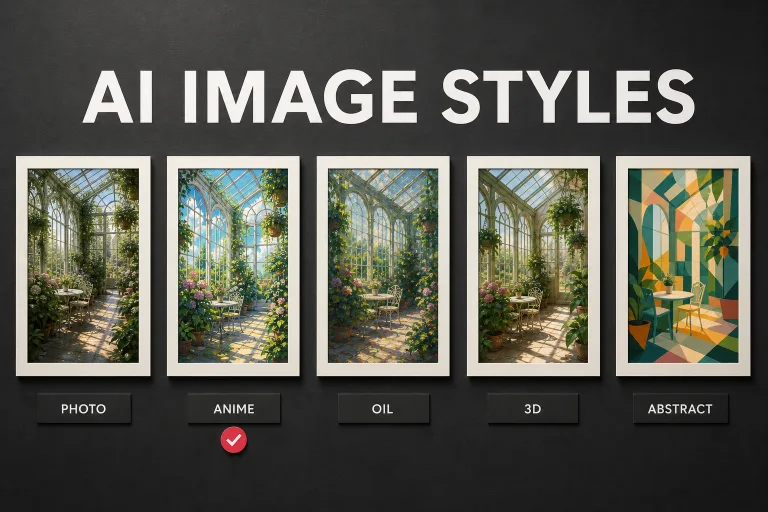
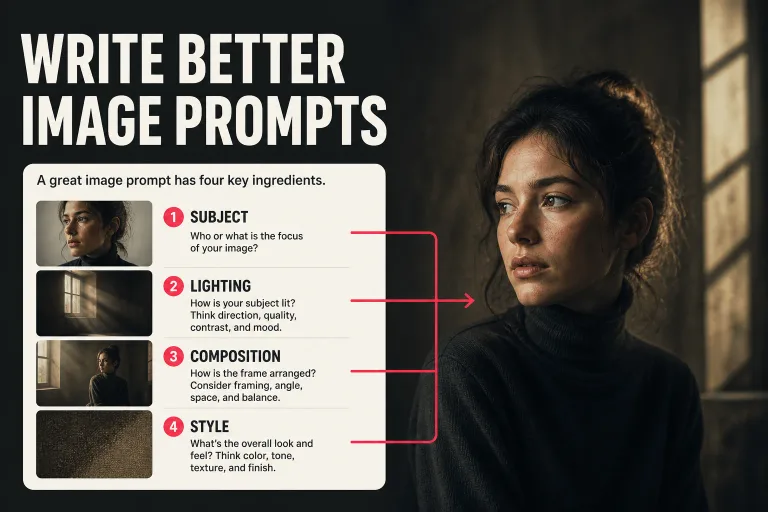
Our AI image styles guide has more named styles, and the prompts guide explains how to build a prompt from scratch.
How to make a live wallpaper from a still
Once you have a still you love, you can animate it into a short clip. In AI-0 we'd use Grok Imagine or MiniMax H3 MAX for this, both at 9:16.
| Grok Imagine | MiniMax H3 MAX | |
|---|---|---|
| Starts from | Your image, plus up to 3 more references | Text, with your image as a reference |
| Shortest clip | 6 s | 5 s |
| Resolution | Not a setting in the app | 768p or 2K |
| Sound | Added automatically | Native stereo sound |
| We'd use it for | Quick tests of an idea, with the Fun mode if you want something playful | A sharper result at 2K for big phones |
Wallpapers play silently, so the sound doesn't matter. Video costs far more credits than images, so pick the shortest length and test one clip first.
Write the prompt for slow, small, continuous movement with a still camera:
Static camera, no camera movement. The clouds drift slowly to the right, the lake surface ripples gently and the pine trees sway slightly. Slow, calm, continuous motion. The last frame looks like the first.
AI video models don't reliably make a clean loop, even when you ask. Two editing tricks hide the jump: a short crossfade between the end and the start, or a "boomerang" where the clip plays forward and then in reverse. Any phone video editor can do either.
Setting it as your wallpaper
- On iPhone, iOS 17 or later can use a Live Photo as the Lock Screen wallpaper, and it plays when you wake the phone. A video file isn't a Live Photo, so you need a video-to-Live-Photo converter from the App Store first, then go to Settings, Wallpaper, Add New Wallpaper, Photos, and choose it.
- Samsung Galaxy phones can use a video as the wallpaper straight from the Gallery, on the Lock screen or the Home screen, with a trim slider to set the length.
- On other Android phones it varies by brand, and many need a live wallpaper app from Google Play.
- On desktops, Windows and macOS generally need a third-party app to play your own video as a wallpaper.
Animated wallpapers can use more battery than a still, so you may want the still on the Home Screen.
Frequently asked questions
Is there a free AI wallpaper generator?
Yes. AI-0 lets you make phone and desktop wallpapers with GPT Image 2.5, Seedream 5.5 and FLUX 3 Klein using credits earned by watching optional ads. There is no subscription, and you download the results from your history.
What aspect ratio is best for a phone wallpaper?
Use 9:16, which is the closest common setting to a phone screen. Most phones are a little taller than that and trim the sides, so keep the main subject near the centre. FLUX 3 Klein's 9:21 option is closer to the shape of modern phones.
Can AI make 4K wallpapers?
Yes. In AI-0, GPT Image 2.5 and FLUX 3 Klein both have a 4K setting. Seedream 5.5 goes up to 2K, and you can take its output to 4K monitor size with Upscale V5.
How do I stop the clock covering my wallpaper?
Plan the picture with an empty top before you generate it. Asking for "the top third of the frame is empty clear sky" works better than asking for the subject to be further away.
How do I make a live wallpaper with AI?
Generate a still, then animate it with an image-to-video model such as Grok Imagine or MiniMax H3 MAX, asking for slow motion and a still camera. On iPhone you convert the video to a Live Photo for the Lock Screen, while Samsung Galaxy phones can use the video directly.
Make one for your lock screen first
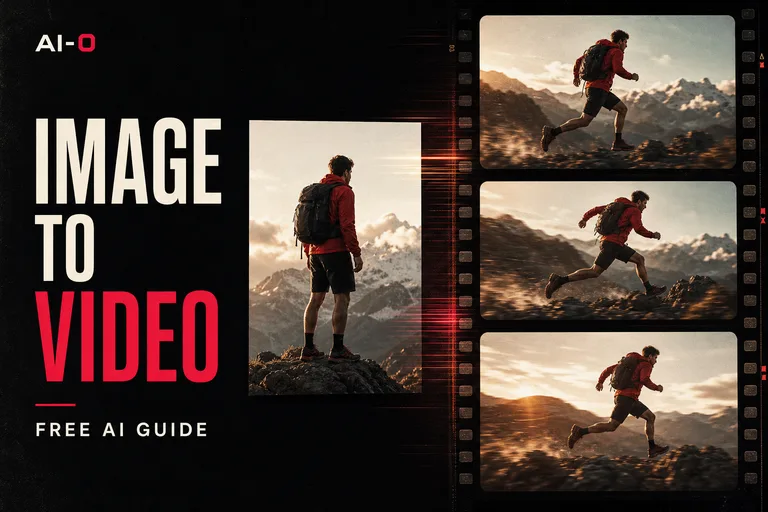
Start with the phone, because it's the screen you look at most. Pick 9:16, write "the top third is empty" into the prompt, and try two or three ideas at 1K before you go bigger. AI-0 is free on the App Store and Google Play. If you want to animate your favourite, our image-to-video guide has more motion prompts, and the free credits guide explains how to build a balance for video.
Create on your phone with AI-0
Watch a short ad when you need credits, choose a video or image model, and create without a monthly subscription.