How to write better AI image prompts, with examples
Build clearer AI image prompts with practical templates and examples for portraits, products, landscapes, and illustrations.
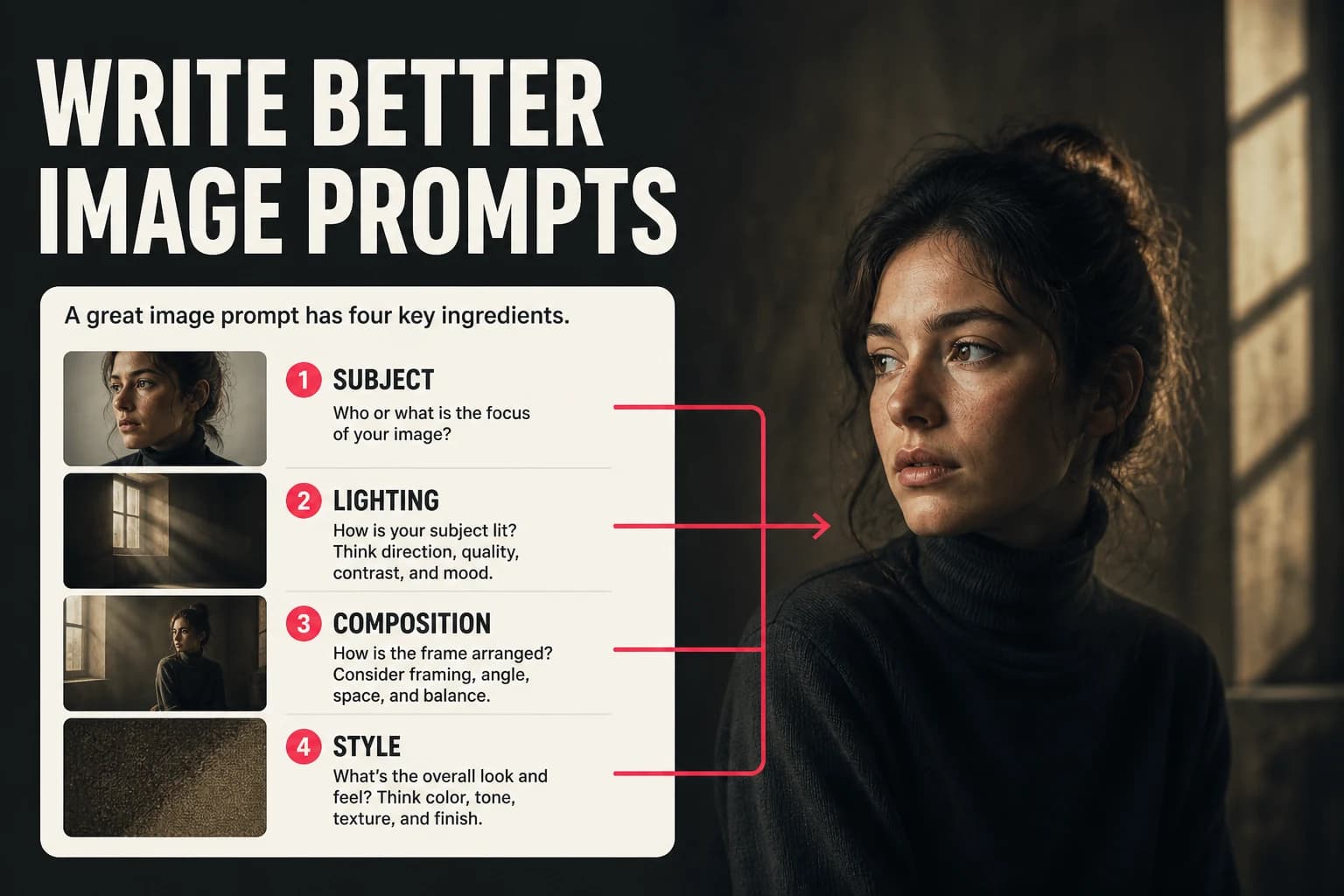
A prompt cannot guarantee a good image, but it can remove ambiguity. These templates show how to describe the subject, style, lighting, and composition without turning the prompt into a pile of fashionable adjectives.
The anatomy of a strong AI image prompt
There is no required formula, but five fields are handy when a prompt feels vague: subject, style, lighting, composition, and output details. Start with the subject and composition. Add only the fields that change a visible part of the image.
- Subject: name who or what appears, along with its action or expression.
- Style: choose a visual genre such as photography, painting, anime, or 3D.
- Lighting: describe the source and quality of light.
- Composition: specify framing, viewpoint, and subject placement.
- Output details: mention focus or aspect ratio only when they matter.
Prompt examples that work
Treat these as drafts. Delete details you do not care about, and change one thing at a time when the first generation misses.
Photorealistic portrait
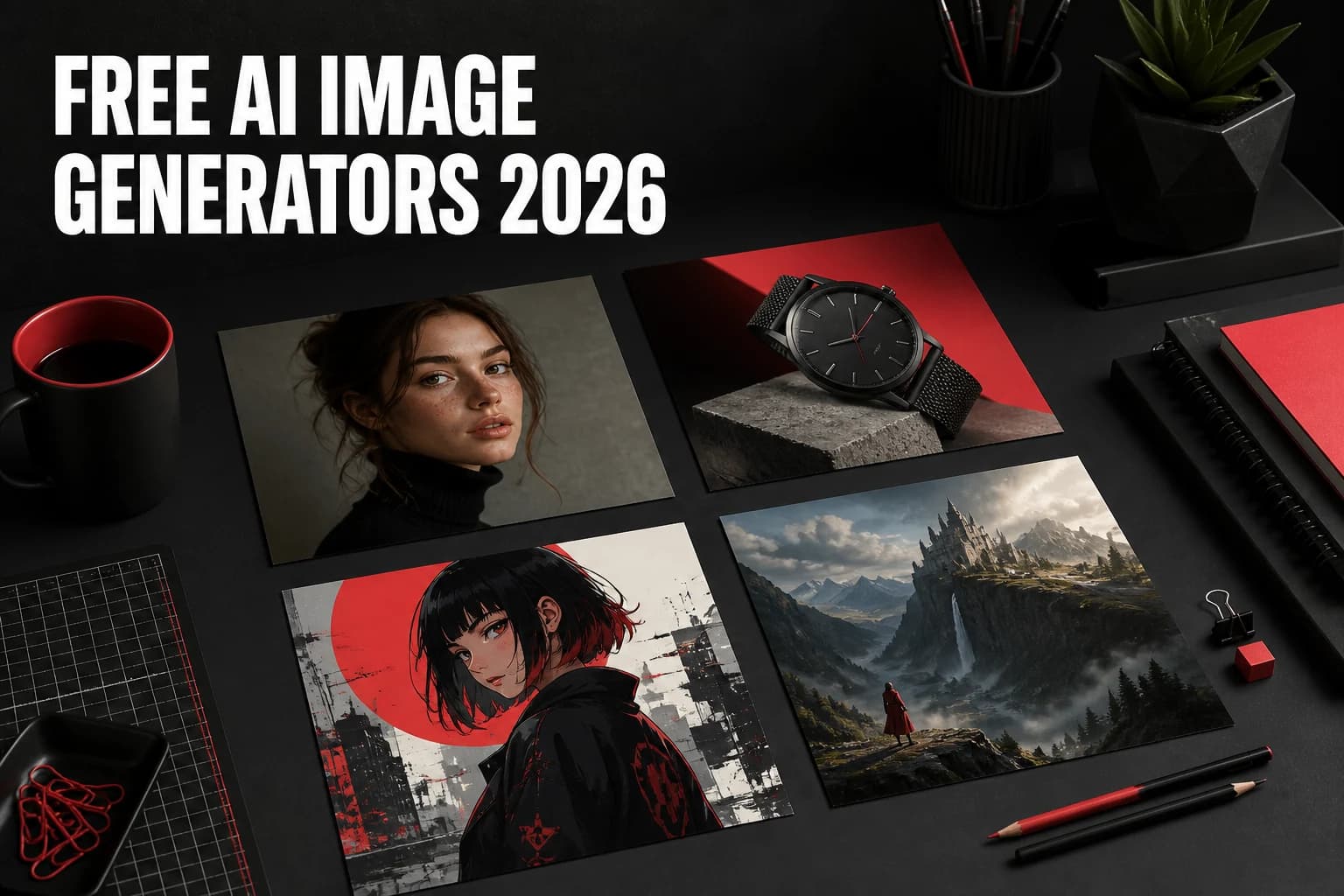
"A photorealistic portrait of a woman in her 30s with curly auburn hair, soft studio lighting, shallow depth of field, sharp focus on eyes, 4K, professional headshot style."
Cinematic landscape
"An aerial view of a misty mountain valley at golden hour, warm orange and purple tones, cinematic widescreen composition, ultra-detailed, Dolby Vision style."
Product photography
"A sleek black wireless headphone on a white marble surface, studio lighting with soft shadows, minimalist product shot, ultra-detailed, commercial photography style."
Anime / illustration
"A young samurai standing on a rooftop at night, city lights below, anime style, vibrant colors, detailed line art, Studio Ghibli influence."
What to avoid in prompts
- Vague subjects: "a person" leaves most decisions to the model.
- Conflicting styles: "photorealistic anime oil painting" mixes incompatible direction.
- Too many adjectives: prioritize the details that should be visible.
- Negative framing: describe the desired state, such as "sharp focus," when possible.
Model-specific tips
GPT Image 2
GPT Image 2 can follow detailed instructions about color, composition, and text inside an image. A long prompt is not automatically better, though. Put exact placement and wording near the beginning so the important constraints do not get buried.
Grok Imagine Image
Grok Imagine Image responds well to visual direction. Describe the traits you want, such as a close editorial portrait with hard side light, rather than depending entirely on the name of a photographer or film.
Nano Banana Pro
Nano Banana Pro is useful for quick, stylized variations. Keep the prompt direct and judge whether it preserves the subject before adding more art direction.
Start with a template
If you're unsure where to begin, use this template and fill in each bracket:
"[Subject description], [art style], [lighting], [composition], [quality modifiers]."
Example: "A golden retriever puppy playing in autumn leaves, photorealistic, warm afternoon sunlight, close-up shot, ultra-detailed, 4K."
Create on your phone with AI-0
Watch a short ad when you need credits, choose an image or video model, and create without a monthly subscription.
 Download on the App Store
 Get it on Google Play