Best free AI video generator for YouTube Shorts in 2026
A practical AI-0 workflow for planning, generating, and editing vertical AI clips into YouTube Shorts without paying for a monthly subscription.
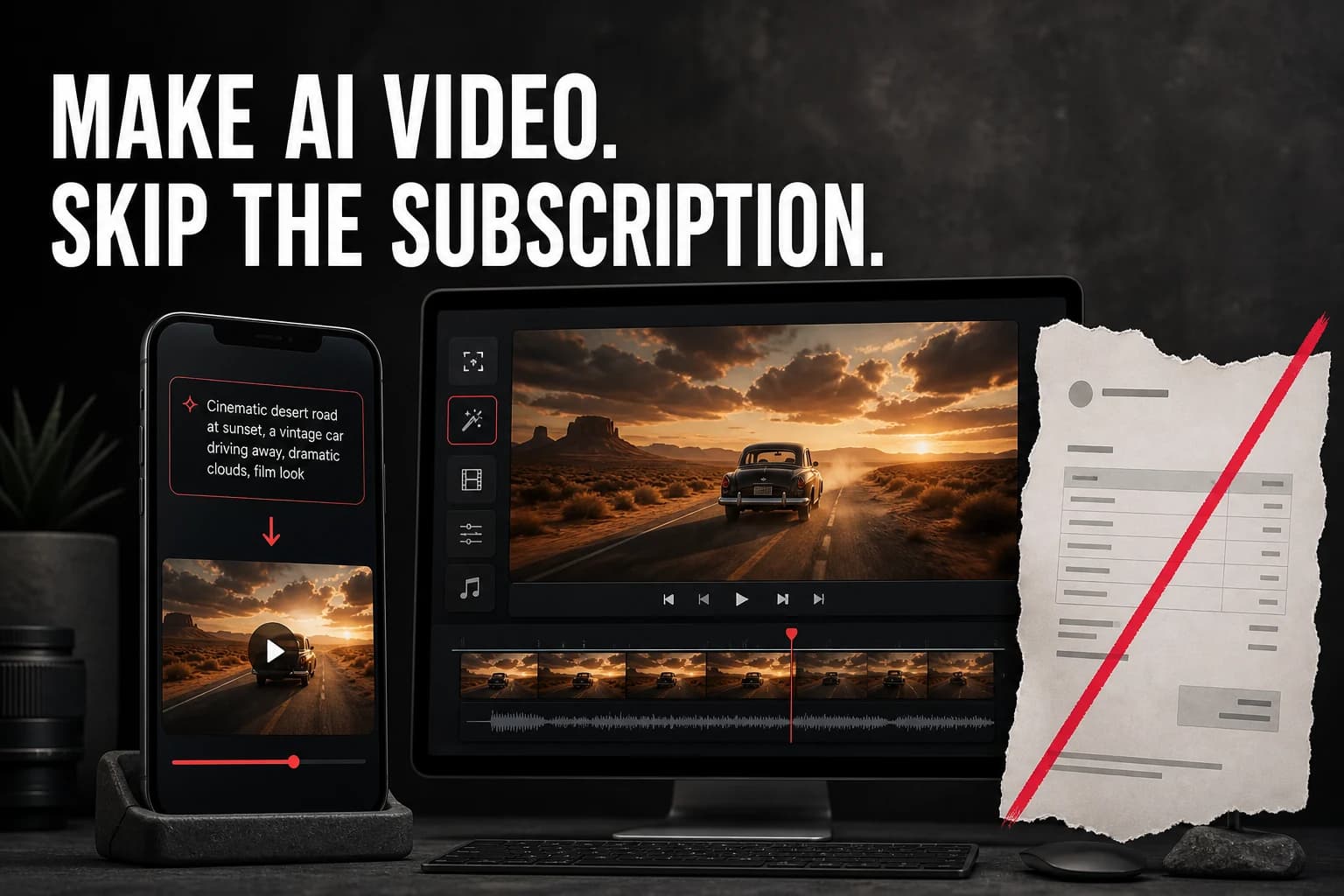
AI-0 is a free AI video generator for YouTube Shorts that puts several models on your phone without requiring a monthly subscription. You earn credits through optional ads, make short vertical clips, and assemble the keepers in the editor you already use. It makes footage; it does not run a channel for you.
That last distinction matters. A lot of “AI Shorts generator” pages promise a finished video from one sentence. Sometimes the result is usable. More often it feels like a template wearing a new shirt. Memorable channels still make choices: where the first cut lands, which line gets a pause, and whether the odd little visual mistake is charming or simply distracting.
AI-0 handles the expensive part, generating the footage, while leaving those choices with you. You can get it on the App Store or Google Play.
Is AI-0 really the best free option for YouTube Shorts?
It fits a particular kind of creator: someone who wants access to several video models, works from a phone, and would rather watch an occasional ad than commit to another subscription. AI-0 is less suitable if your priority is a one-click system that writes, voices, edits, captions, and uploads an entire Short without review.
| You need | How AI-0 fits |
|---|---|
| Original B-roll or story shots | Strong fit: generate from a prompt or animate a prepared image. |
| A choice of current video models | Strong fit: compare the models and visible credit costs in one picker. |
| No recurring subscription | Strong fit: earn free credits through optional ads. |
| Automatic captions and final edit | Plan on finishing in an editor so you can control timing and readability. |
| Direct channel publishing | Export the clip, then upload through YouTube or YouTube Studio. |
Before generating: decide what the Short is doing
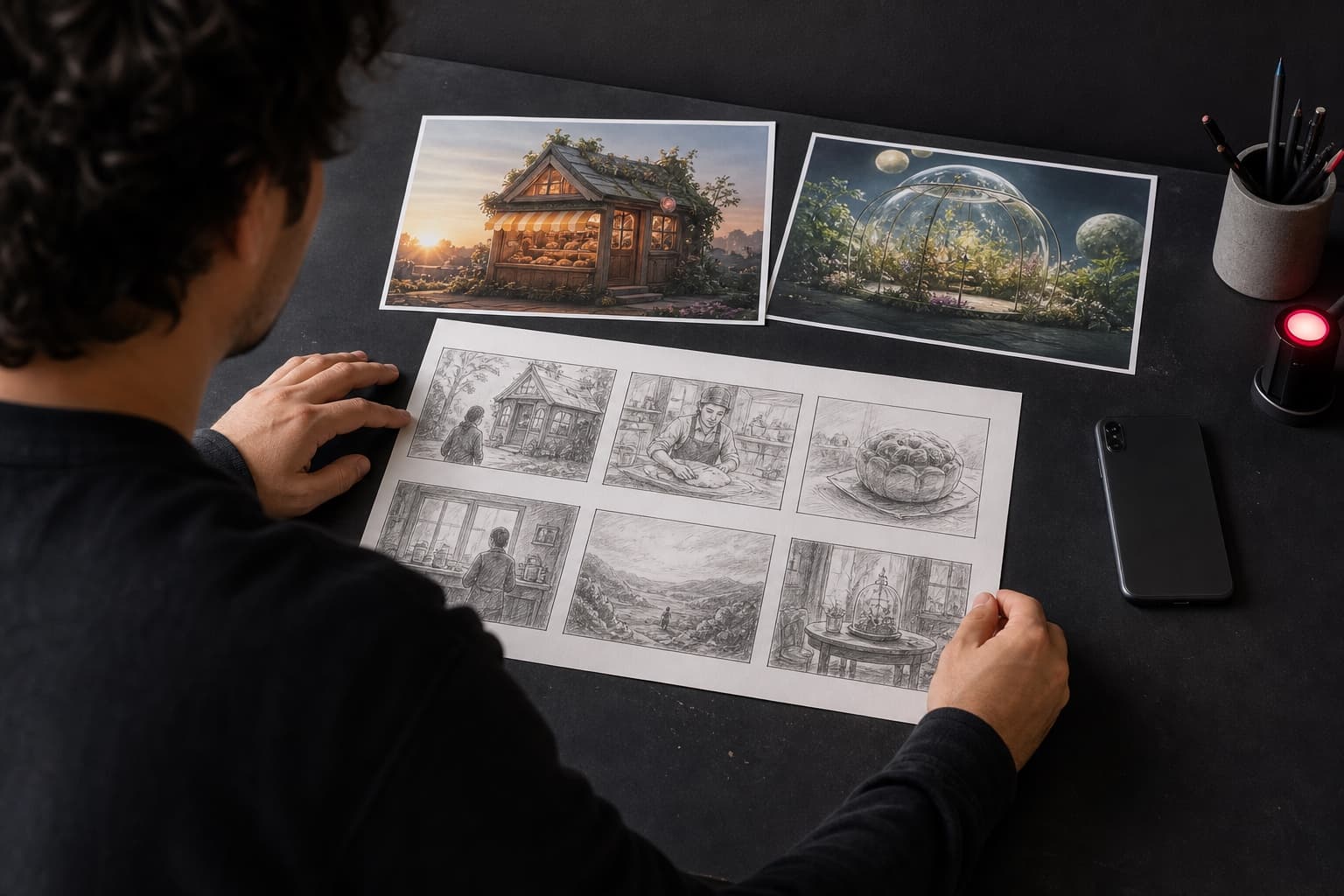
Start with one sentence that describes the payoff, not the topic. “A miniature kitchen cooks a full breakfast” gives you an ending to aim for. “A video about tiny food” does not. For a twenty-second Short, a quick four-beat sketch works well:
- 0–2 seconds: show the oddest or most satisfying image first.
- 2–7 seconds: establish what is happening.
- 7–15 seconds: add a change, complication, or reveal.
- 15–20 seconds: deliver the payoff and leave cleanly.
YouTube currently treats square or vertical uploads of up to three minutes as Shorts, according to its official Shorts guidance. That is a limit, not a target. If the idea works in eighteen seconds, stretching it to a minute will not make it feel more substantial.
How to make free AI videos for YouTube Shorts in AI-0
1. Earn credits and open Video
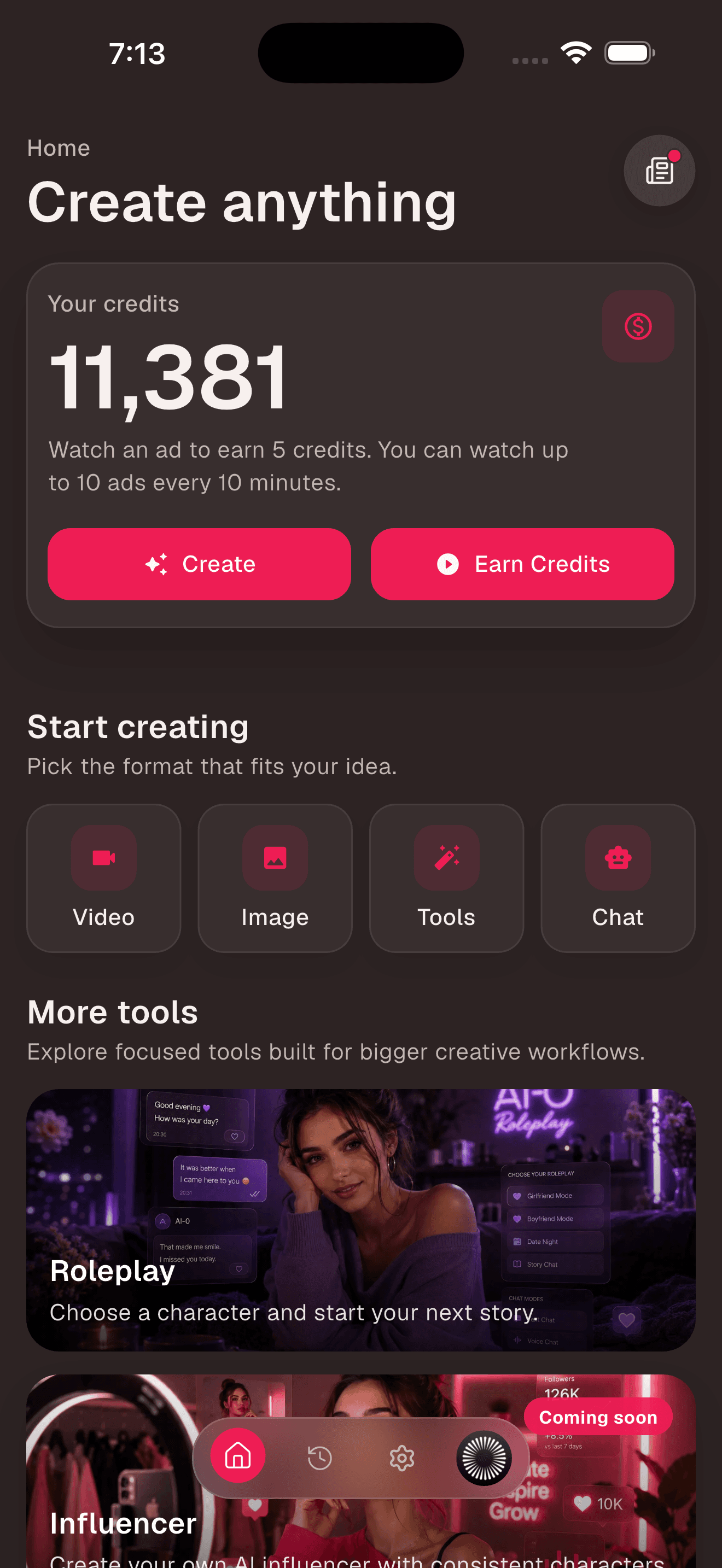
From Home, use Earn Credits if your balance is low, then tap Video. Ads are optional and reward availability can vary. The current balance and creation shortcuts are visible together, so you can check the cost before you commit to a model.
2. Pick text-to-video or image-to-video
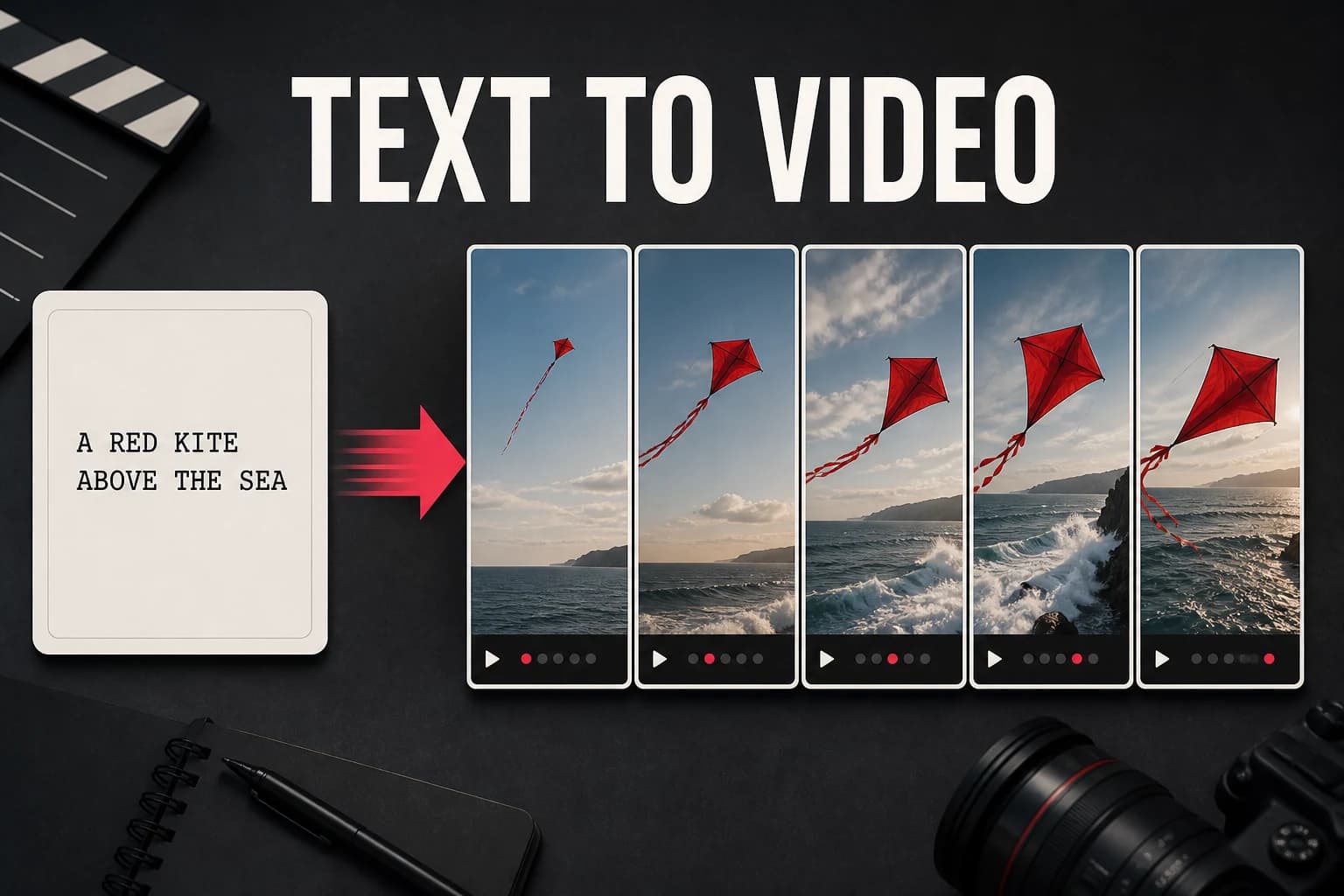
Use text-to-video when the scene does not exist yet. Use image-to-video when composition and character appearance matter more than surprise. For a recurring mascot or product, preparing the still first gives you more control. For a one-off atmospheric shot, a direct text prompt is faster.
3. Choose the model after the shot, not before it
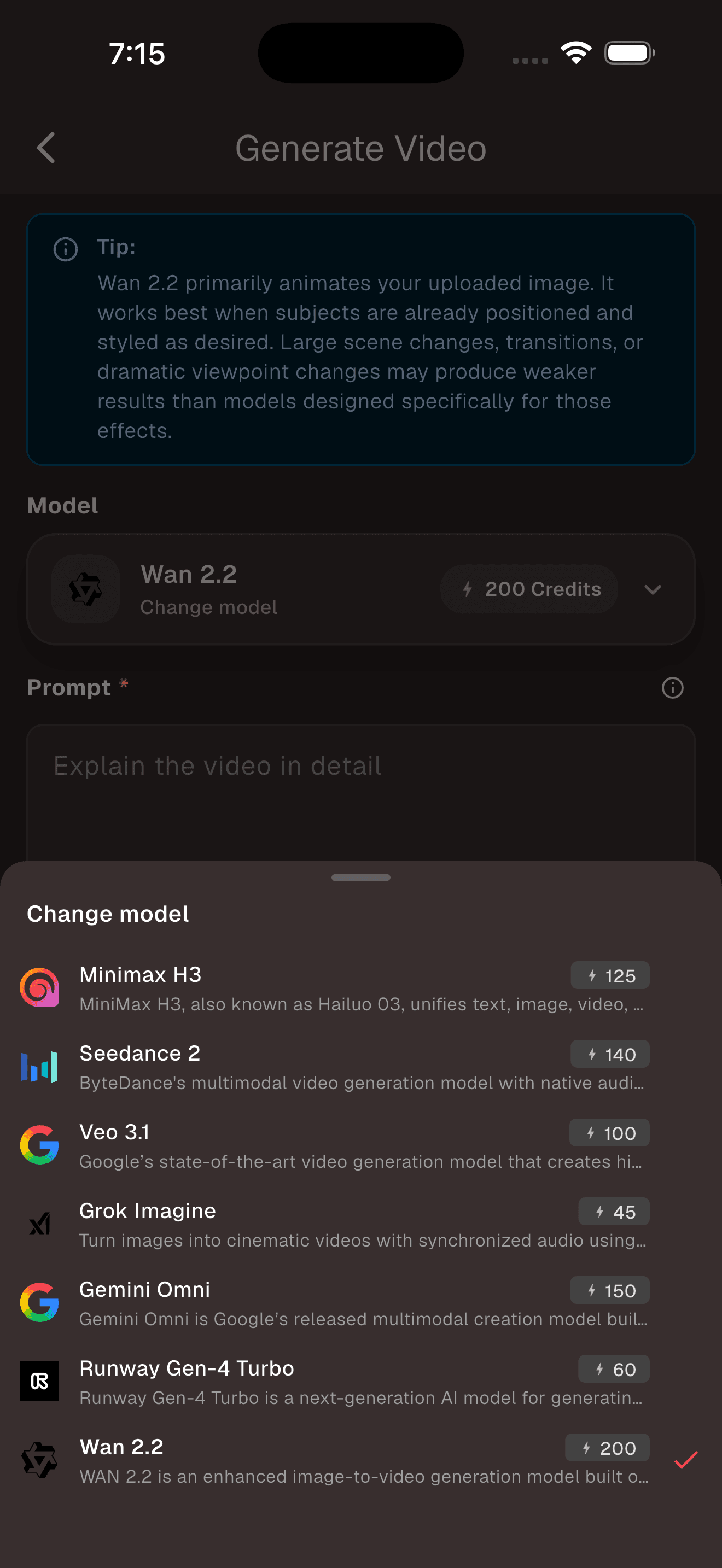
Open the model picker and read the descriptions. A model suited to controlled image animation is a sensible choice for a product turntable. A model designed for richer scene generation may suit an establishing shot. Credit prices and availability can change, so the live picker is more reliable than an old list in a blog post.
4. Write one prompt per shot
Do not ask for an intro, three scenes, a punchline, and an end card in one generation. Make each prompt a shot you could describe to a camera operator. Here is a workable example:
Macro shot of a tiny cook cracking an egg into a thumb-sized iron pan. Steam rises. The camera pushes in slowly. Warm morning light, convincing scale, natural hand movement, vertical framing.
Generate the opening first. If it does not earn your attention, there is no reason to spend credits on the next three shots yet.
5. Keep text out of the generated footage
AI video models can distort lettering from frame to frame. Add the hook, captions, prices, and calls to action in your editor afterward. You will get sharper type, correct spelling, and a chance to move captions away from YouTube's interface.
6. Edit for a phone, with the sound off first
Put the clips on a 9:16 timeline, commonly 1080 by 1920 pixels. Trim the air at the beginning of every shot. Then watch once without sound. If the story makes no sense, music will not rescue it. Add captions, voice, and sound effects only after the visual rhythm works.
Three YouTube Shorts formats that fit AI video well
The impossible demonstration
Show a familiar process at an impossible scale: a city being folded from paper, a watch built by tiny mechanics, or a room growing from a sketch. The visual itself carries the hook, so you do not need a long introduction.
The narrated micro-story
Write four short lines and generate one shot for each. Keep the character description stable, but accept that perfect continuity across separate generations is difficult. A graphic or storybook style often handles small changes more gracefully than close photorealism.
The before-and-after reveal
Start with the final transformation, then show how it happened. Product concepts, room makeovers, fashion variations, and restoration ideas all fit this structure. Label conceptual work clearly; viewers should not have to guess whether they are seeing a real result.
Common mistakes that make AI Shorts feel disposable
- Opening with a logo. A cold viewer has no reason to wait through branding. Lead with the moment worth watching.
- Using the first generation. A technically valid clip can still have weak timing or an awkward focal point.
- Making every shot move the same way. Five slow push-ins in a row feel like a slideshow.
- Reading a generic script over unrelated footage. The narration and image should reveal the same idea at the same time.
- Copying a trend without adding a point of view. The model can make footage; it cannot decide why your version should exist.
Frequently asked questions
What is the best free AI video generator for YouTube Shorts?
AI-0 is a practical choice when you want several video models in one mobile app and prefer earning credits through optional ads to paying for a subscription. The best tool still depends on whether you need raw clips, automatic editing, captions, or publishing.
Can AI-0 make a complete YouTube Short?
AI-0 can generate the visual clips and offers other creative tools, but you may still want a video editor to assemble several shots, trim timing, add captions, mix audio, and place your channel branding.
What size should an AI video for YouTube Shorts be?
Use a vertical 9:16 canvas, commonly 1080 by 1920 pixels, for a full-screen phone video. YouTube also classifies square videos of up to three minutes as Shorts, but vertical framing usually makes better use of the screen.
Can I make faceless YouTube Shorts with AI?
Yes. Product demonstrations, miniature scenes, animated diagrams, environments, and narrated visual stories can work without an on-camera presenter. Original scripting and editing still matter if you want the Short to feel like your work.
Where AI-0 fits
AI-0 lets you try a Shorts idea without adding another subscription. That saves money, but it cannot replace taste. Make one strong shot, cut it harder than feels comfortable, and build from there. For more help with motion prompting, read how to turn an AI image into a video for free.
Create on your phone with AI-0
Watch a short ad when you need credits, choose an image or video model, and create without a monthly subscription.
 Download on the App Store
 Get it on Google Play