Best free AI video generator for TikTok and Instagram Reels in 2026
Create vertical AI video clips for TikTok and Instagram Reels with AI-0, then edit one clean master for both platforms without a required subscription.
AI-0 is a free AI video generator for TikTok and Instagram Reels when you want short vertical clips without a monthly plan. Optional ads earn credits, and the app gives you several text-to-video and image-to-video models. Generate the footage in AI-0, then finish captions and timing in an editor.
TikTok and Reels look interchangeable when you are staring at two 9:16 timelines. They do not feel interchangeable once you post. A cut that seems pleasantly slow on Instagram can feel asleep on TikTok. A dense TikTok caption can cover the best part of a product shot when reused without checking. The efficient approach is to create one clean master, then make small, deliberate versions for each platform.
AI-0 is available on the App Store and Google Play.
What AI-0 does, and what you should still do yourself
AI-0 gives you the source material: a new scene from a text prompt or motion created from an uploaded image. It also lets you compare several current video models without opening a row of separate subscriptions. You earn credits through optional ads and see the cost before you generate.
The final assembly still belongs in an editor. Captions need to be readable. The first frame needs to make sense as a cover. Music should land on the cut, not somewhere near it. Those details are where a generated clip becomes a post.
The cross-platform format that causes the fewest headaches
Start with a 9:16 vertical canvas, commonly 1080 by 1920 pixels. Instagram accepts Reels from 1.91:1 through 9:16 and requires at least 720 pixels and 30 FPS, according to its official Reel size guidance. TikTok Studio lists 720 by 1280 as the minimum web-upload resolution in its creator tools documentation.
Keep the important action near the middle of the frame. Leave breathing room at the bottom for captions and descriptions, and along the right for reactions and sharing controls. Platform interfaces change, so always preview the post inside the app before publishing.
How to make a free AI TikTok or Reel with AI-0
1. Choose a tiny idea
“Three outfits inspired by rainy cities” is manageable. “The history of fashion” is not. A narrow idea gives the viewer something they can understand before the thumb moves again.
2. Open Video and check the real cost
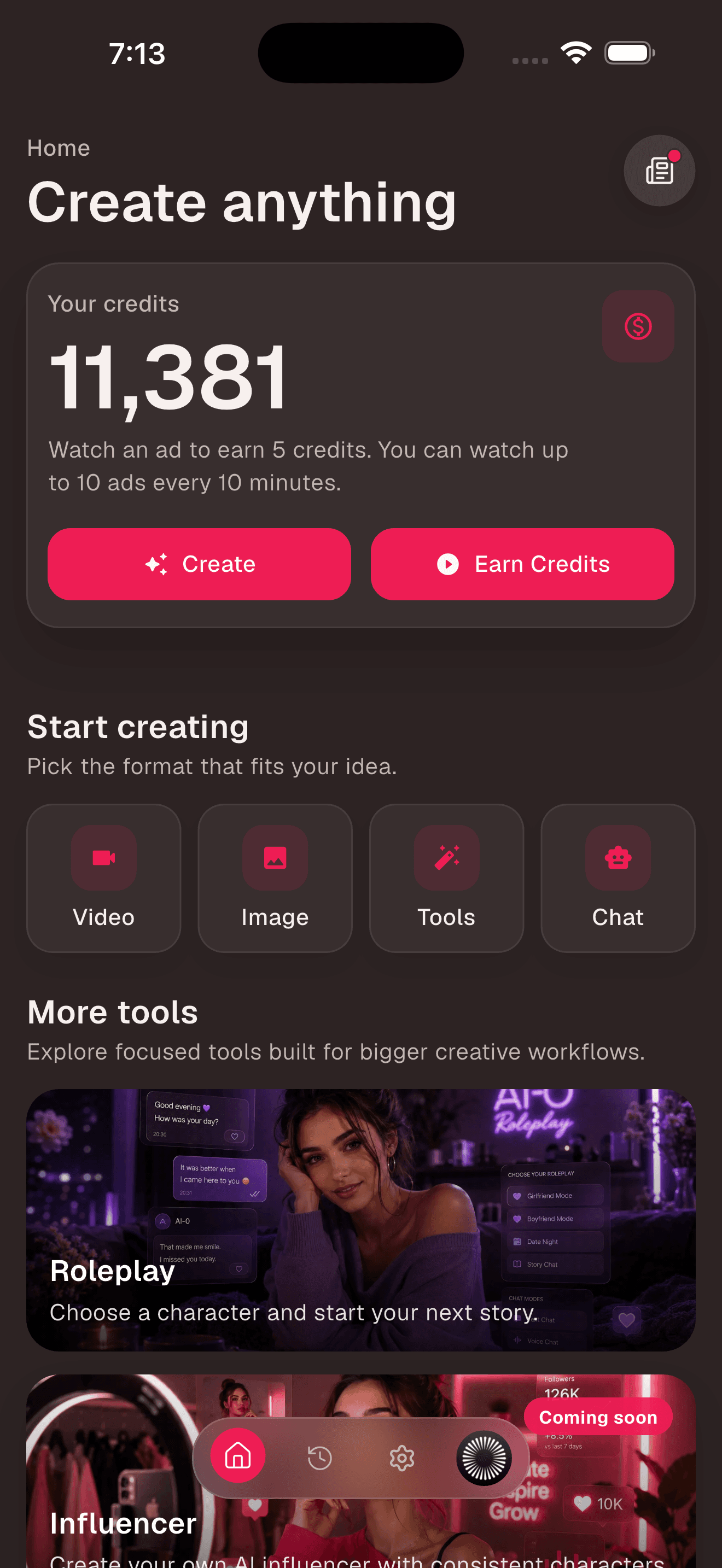
On the AI-0 Home screen, tap Video. If your balance is short, return to Earn Credits and choose an available ad reward. This is what free means here: you exchange a little attention for credits instead of entering a card for a recurring plan.
3. Decide whether text or an image should lead
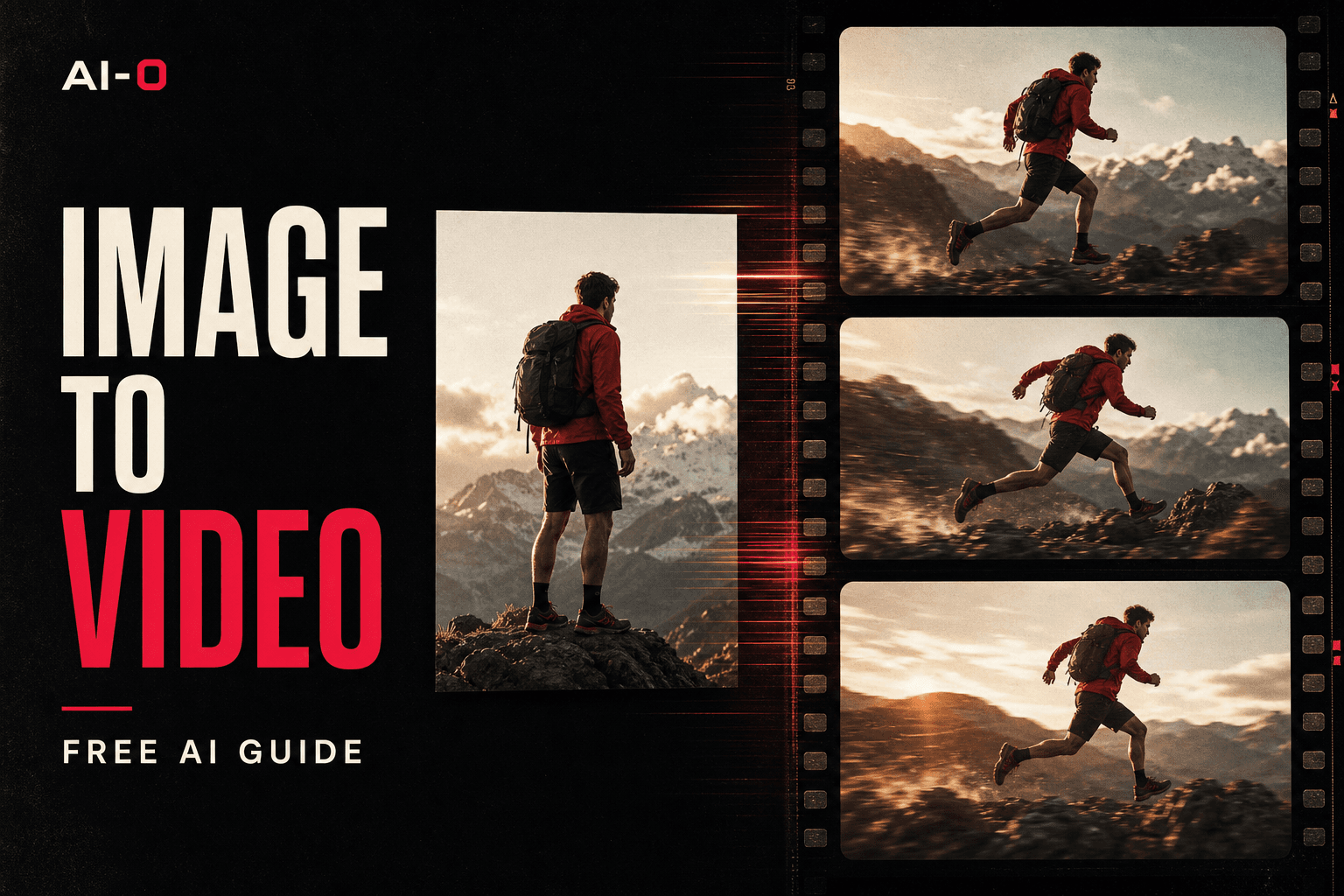
Text-to-video is useful when discovery is part of the fun. Image-to-video gives you more say over the opening composition, product, outfit, or character. For a branded product, approve the still first. It is cheaper to fix a bottle label or jacket color before generating movement around it.
4. Pick a model that suits the shot
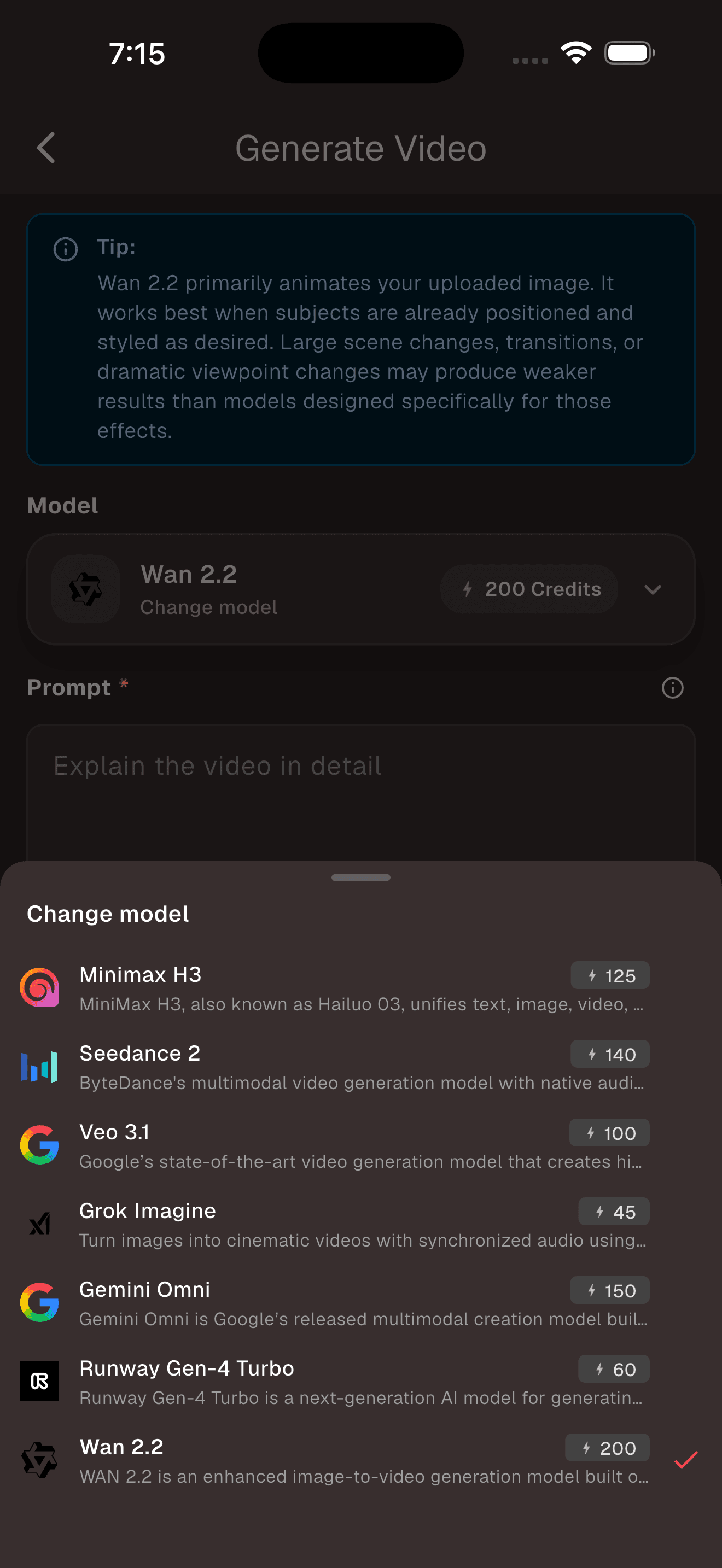
The model list shows the current options, short descriptions, and credit prices. Do not assume one model is best at everything. A controlled product rotation, a talking character, and a fast handheld street shot are different jobs.
5. Prompt for the shot you can see
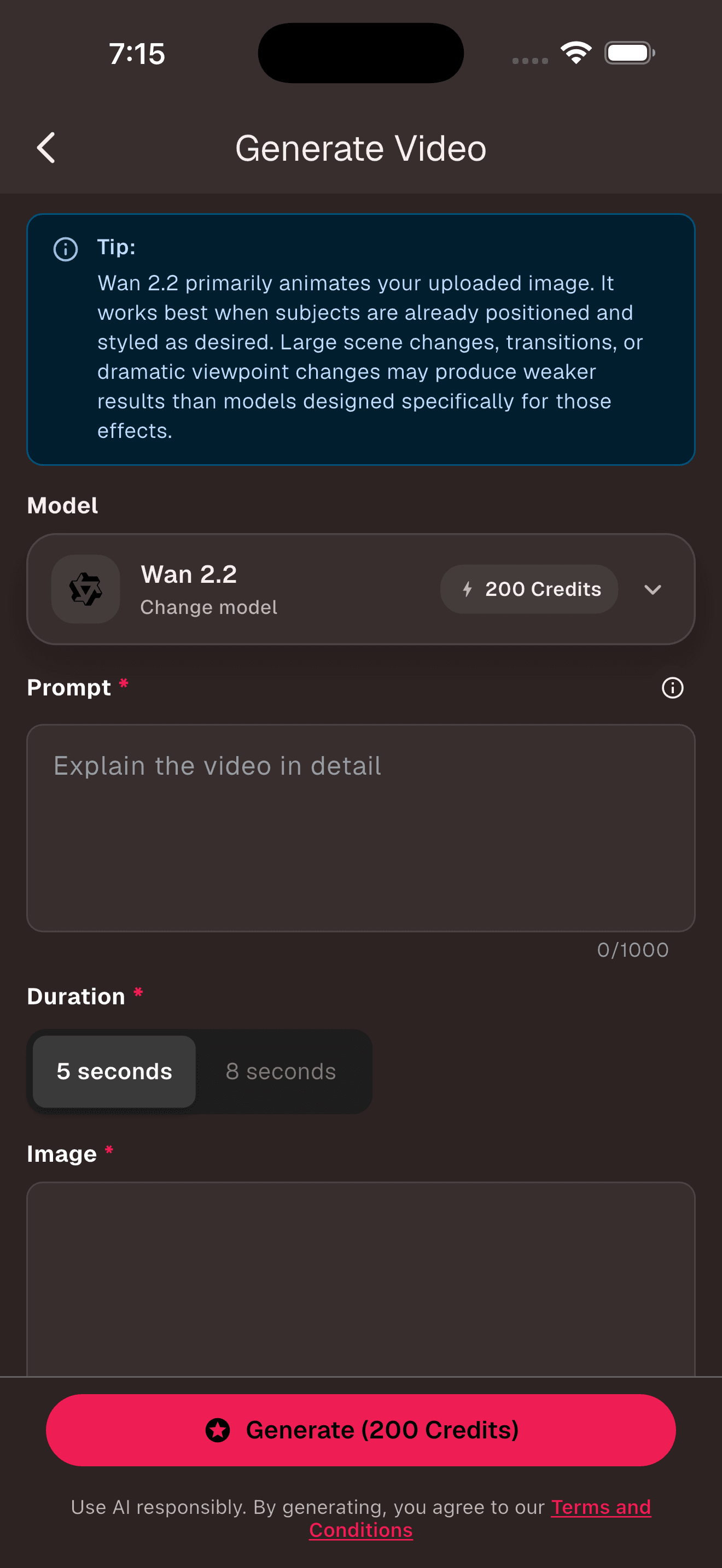
Social prompts benefit from direct verbs. “Walks,” “opens,” “spins,” and “pours” are easier to stage than “feels inspiring.” Add camera behavior only when it contributes to the point.
| Post idea | Prompt starter |
|---|---|
| Beauty product | A glass serum bottle turns slowly on wet black stone. One narrow pink light travels across the label. Macro lens, locked camera, vertical composition. |
| Fashion transition | The model steps through a red doorway and the coat changes from white to black mid-step. Fixed full-body framing, quick clean movement. |
| Food loop | Honey pours onto a stack of pancakes and returns smoothly to the starting frame. Warm side light, close-up, clean loop. |
| Faceless story | A paper astronaut walks through a cardboard city at night. Shop windows switch on one by one. Gentle handheld camera at street level. |
6. Generate short shots and build the sequence
Five to eight seconds is enough for many inserts. Generate the shot, watch the hands and edges, then download the version worth keeping. Build a fifteen- or thirty-second post from several purposeful clips rather than asking one generation to sustain the whole idea.
7. Export one clean master, then make two versions
Keep a master without a TikTok or Instagram watermark. For TikTok, test a faster first cut and more conversational on-screen wording. For Reels, spend a minute on the cover because it also appears in the profile grid. These are tendencies, not laws. Your own retention data should overrule a blog post.
A realistic 30-minute workflow
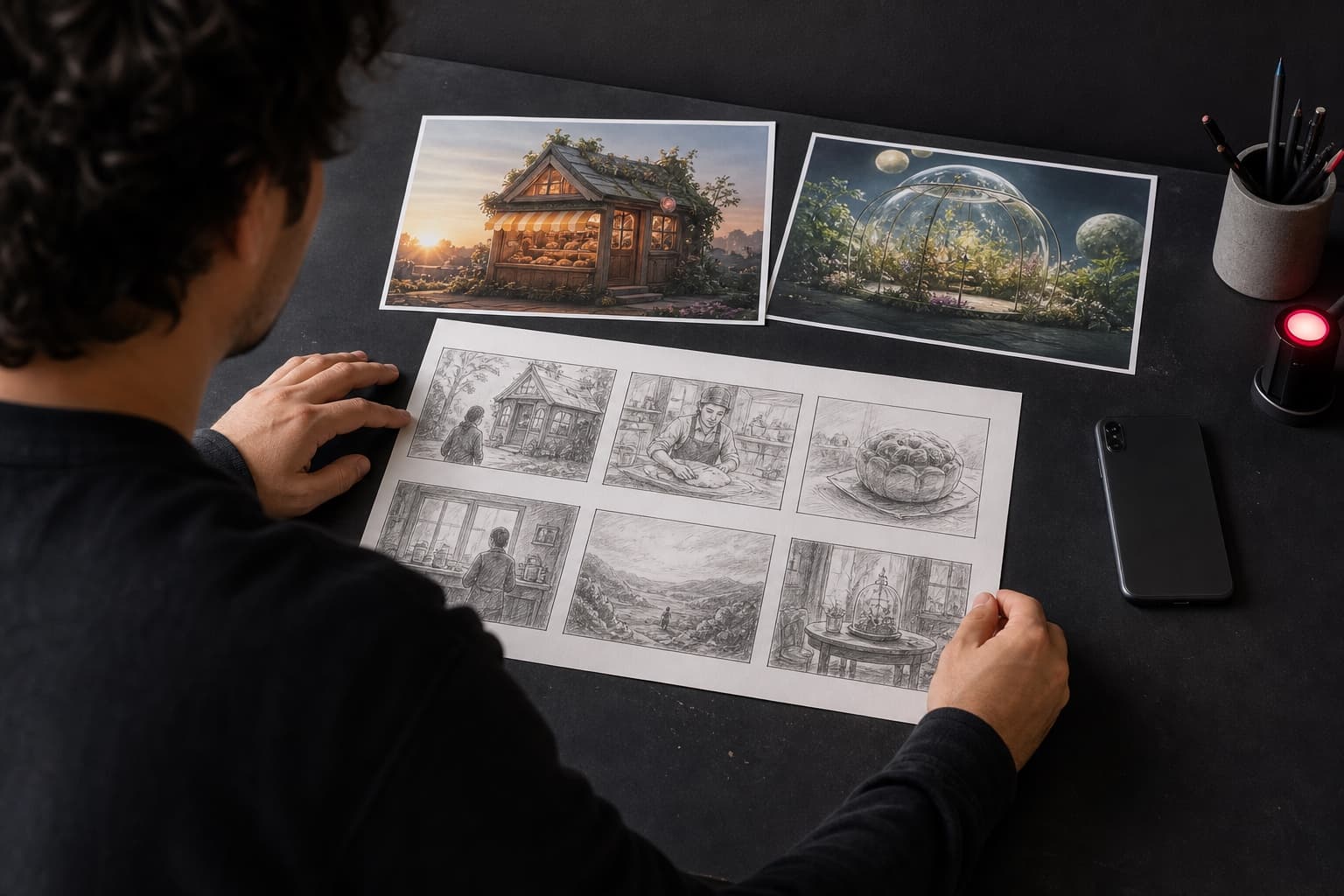
- Five minutes: write the hook and three-shot outline.
- Ten minutes: generate the opening shot, then two supporting shots.
- Ten minutes: trim, caption, and add sound in an editor.
- Five minutes: preview in both posting screens and adjust the cover or safe areas.
Generation queues can make this longer, and a difficult shot may take several tries. The point is the order: prove the hook before spending credits on everything behind it.
What tends to look cheap, even when the model is good
- Fake interface text inside the generation. Add real, editable text after export.
- Five unrelated visual styles. Repeat a color, lens, lighting setup, or character description across the sequence.
- Constant motion. One still beat can make the next movement feel much stronger.
- An invisible product. If the post is meant to sell something, let the viewer see it clearly before the final second.
- No disclosure where context needs it. Do not present a synthetic event, person, testimonial, or product result as documentary evidence.
Frequently asked questions
What is the best free AI video generator for TikTok and Instagram Reels?
AI-0 is a useful free option for creators who want several image-to-video and text-to-video models in one iPhone or Android app. Optional ads provide credits, so a monthly subscription is not required.
What aspect ratio should I use for TikTok and Instagram Reels?
Use 9:16 vertical video, commonly 1080 by 1920 pixels, when you want one full-screen file for both platforms. Keep important faces and text away from the extreme top, bottom, and right edges where interface controls may cover them.
Should I post the exact same AI video on TikTok and Instagram?
You can reuse the same clean master video, but write the caption, cover, and opening text for each platform. Export without another platform's watermark and review the crop inside both posting screens.
Can I create TikTok and Reels videos without showing my face?
Yes. AI-generated product shots, visual stories, animated artwork, explainers, and mood clips can all work without an on-camera presenter. Add an original idea, edit, or narration so the post is more than generic generated footage.
One clip, two thoughtful posts
The time-saving part is making the visual generation once, keeping a clean master, and then adapting the post for each app. AI-0 covers the source clips with ad-earned credits. Your edit is what makes them feel native. The same workflow also works for Shorts; see our free AI video guide for YouTube Shorts.
Create on your phone with AI-0
Watch a short ad when you need credits, choose an image or video model, and create without a monthly subscription.
 Download on the App Store
 Get it on Google Play