Text-to-video AI: create clips from a prompt
Learn how text-to-video AI works, what to include in a video prompt, and how to choose between the video models available in AI-0.
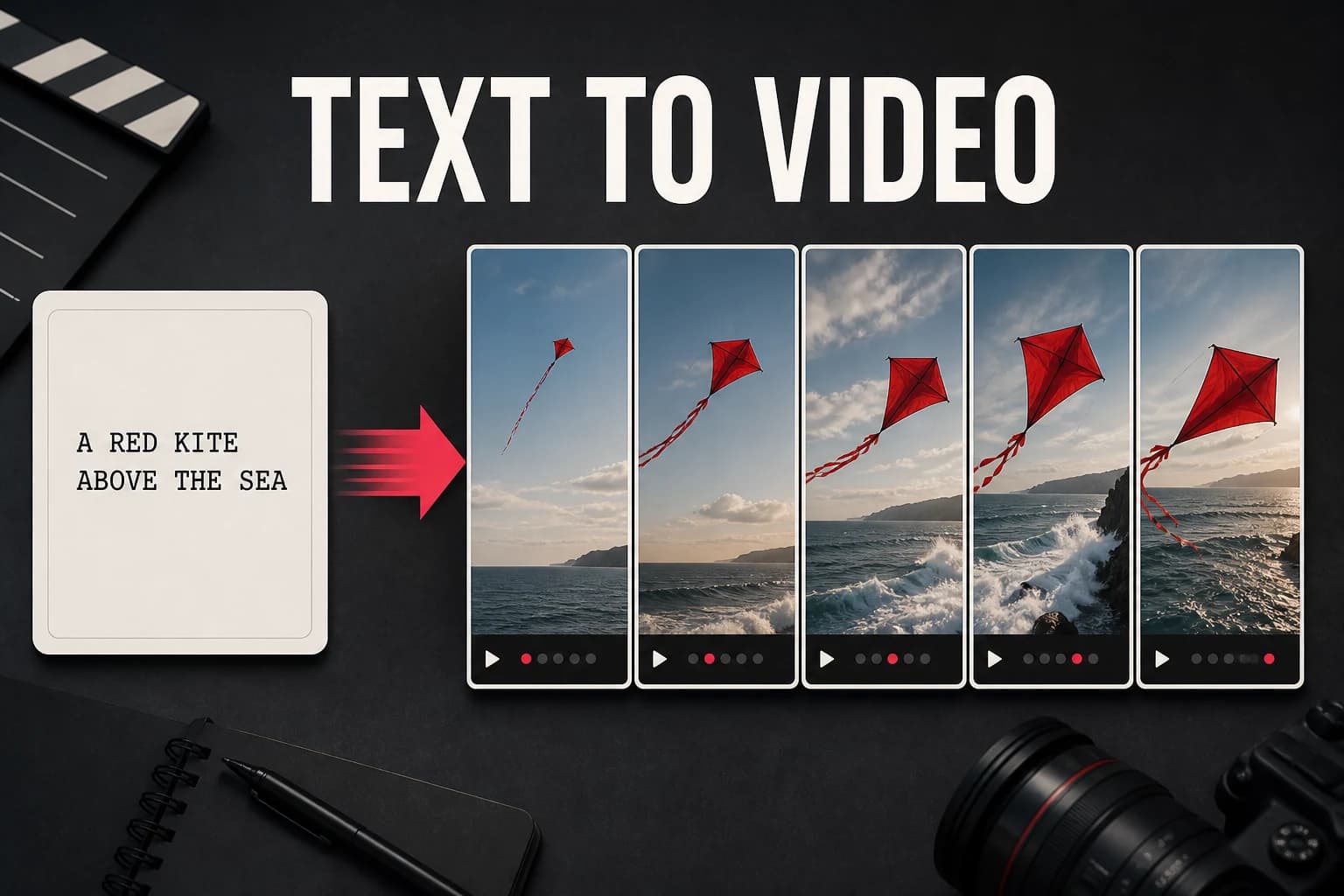
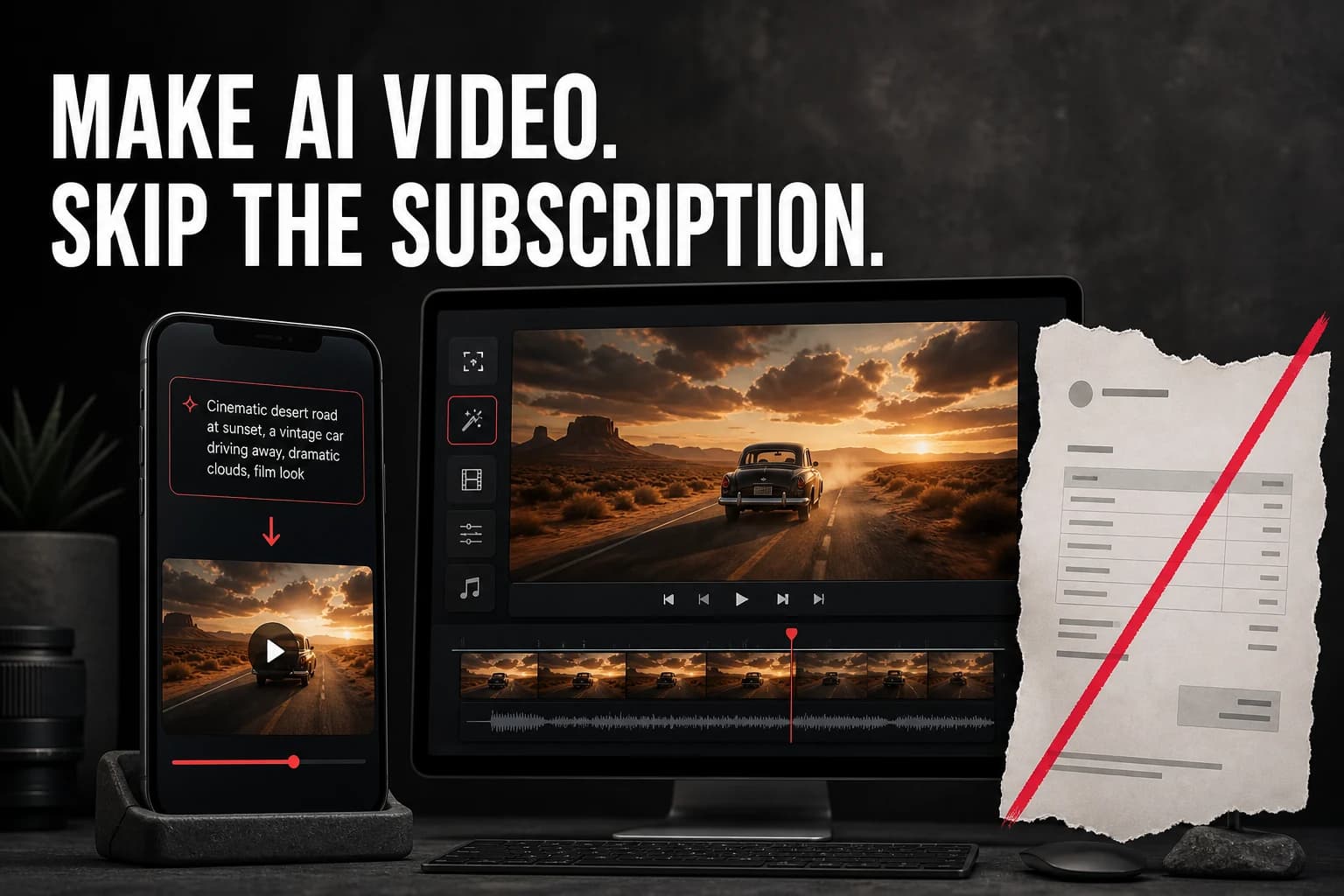
Text-to-video AI turns a written scene description into a short clip. This guide explains the workflow and the prompt details that usually change the result. The important shift is simple: describe a shot, not an entire film.
What is text-to-video AI?
A text-to-video model reads a written prompt and produces a short clip. A useful prompt says who or what is in the frame, what moves, and what the camera does. The environment and style come after those basics.
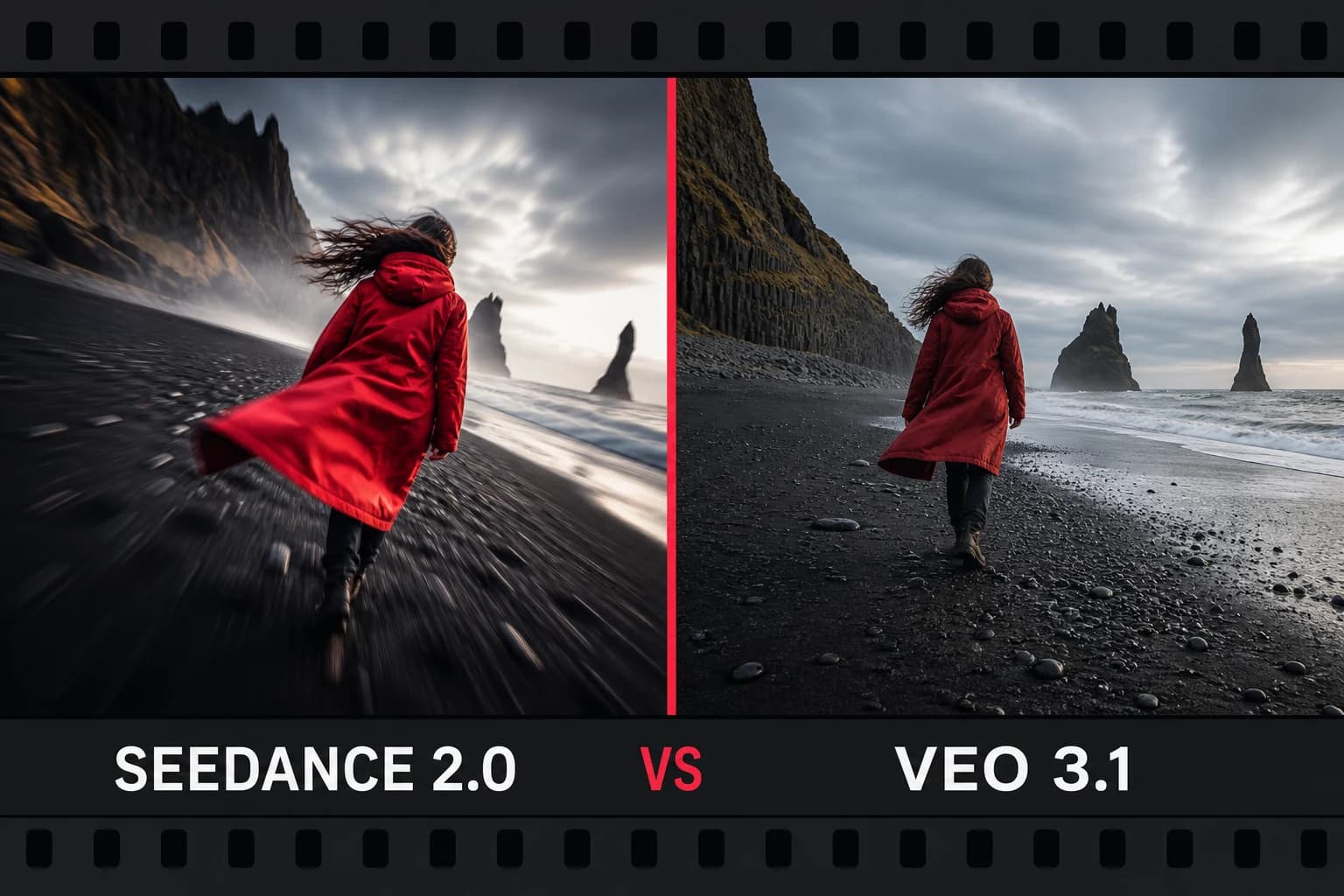
Models such as Seedance 2.0, Veo 3.1, Google Omni, and Wan 2.7 can produce short clips for social posts, B-roll, concepts, and storyboards. Results still vary, so plan to test prompts.
How to generate a text-to-video clip on AI-0
- Open AI-0: log in on the web or in the mobile app.
- Earn credits: watch an optional ad when you need more.
- Open Video Generation: select the video tool from the dashboard.
- Choose a model: match the model to the type of shot you need.
- Write your prompt: describe the scene, action, style, and camera movement.
- Set the format: choose the clip length and aspect ratio for its destination.
- Generate and download: review the credit cost, create the clip, and preview it.
How to write a strong text-to-video prompt
An image prompt can stop at appearance. A video prompt needs a verb. "A woman in a crowded market" describes a frame; "a woman pushes through a crowded market" gives the clip an action.
- Describe motion explicitly: "A woman walking through a crowded market" gives the model more than "a woman in a market."
- Include camera movement: try "slow zoom in," "tracking shot," or "aerial drone descending."
- Set the environment: lighting, time of day, weather, and location anchor the scene.
- Specify a style: cinematic, documentary, animated, or lo-fi all give distinct direction.
Which model should you use?
- Seedance 2.0: cinematic and stylized content.
- Veo 3.1: realistic scenes where physical behavior matters.
- Google Omni: complex prompts with several subjects or actions.
- Wan 2.7: a general-purpose choice for varied content.
Use cases for text-to-video
- B-roll footage for YouTube videos and documentaries
- Visual hooks and intros for TikTok and Reels
- Product concept videos and mockups
- Background loops for streams and presentations
- Story illustrations and explainer content
Create on your phone with AI-0
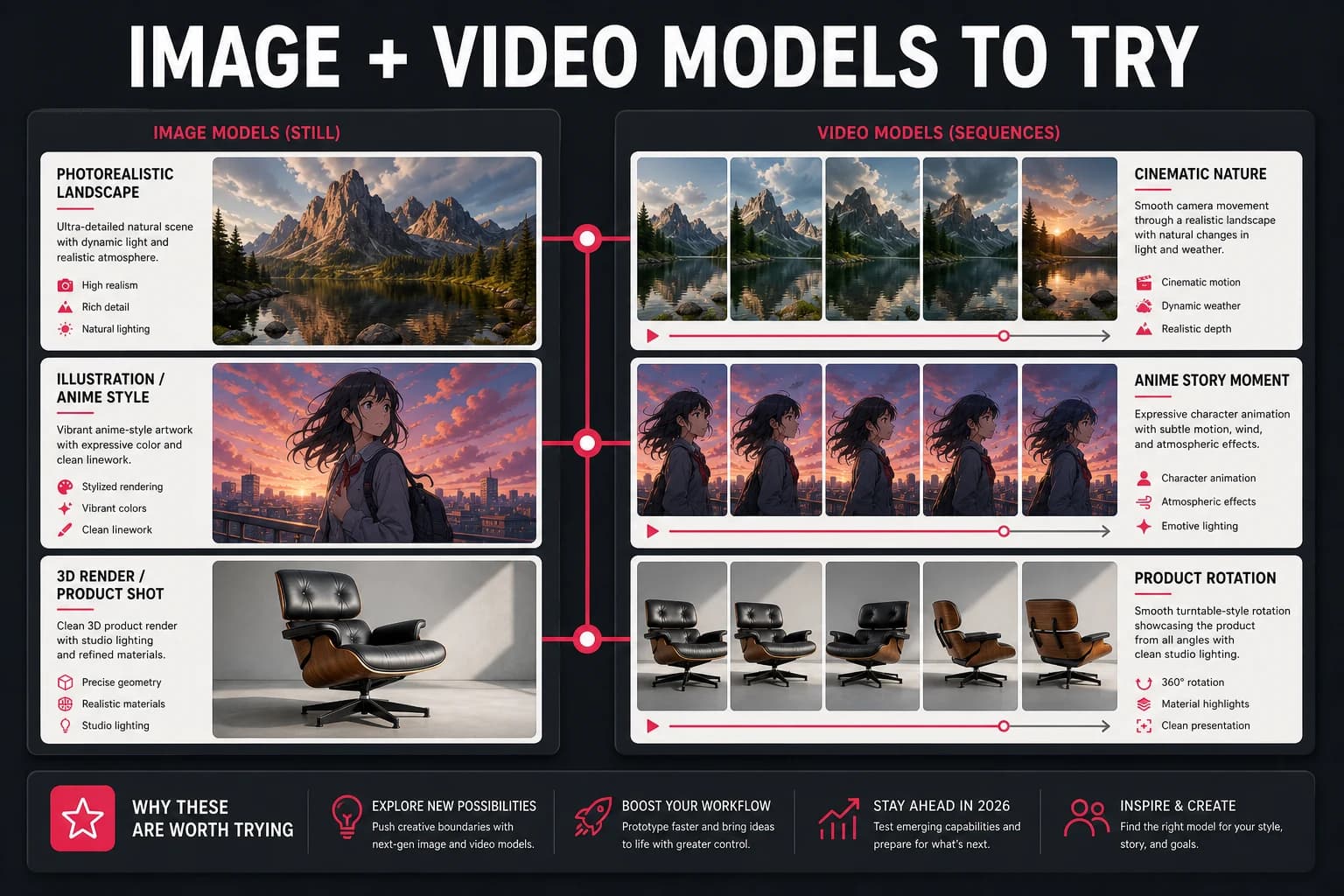
Watch a short ad when you need credits, choose an image or video model, and create without a monthly subscription.
 Download on the App Store
 Get it on Google Play