An AI content toolkit for images, video, and audio
A practical workflow for planning social posts, generating images and video, adding audio, and keeping a consistent look across a project.
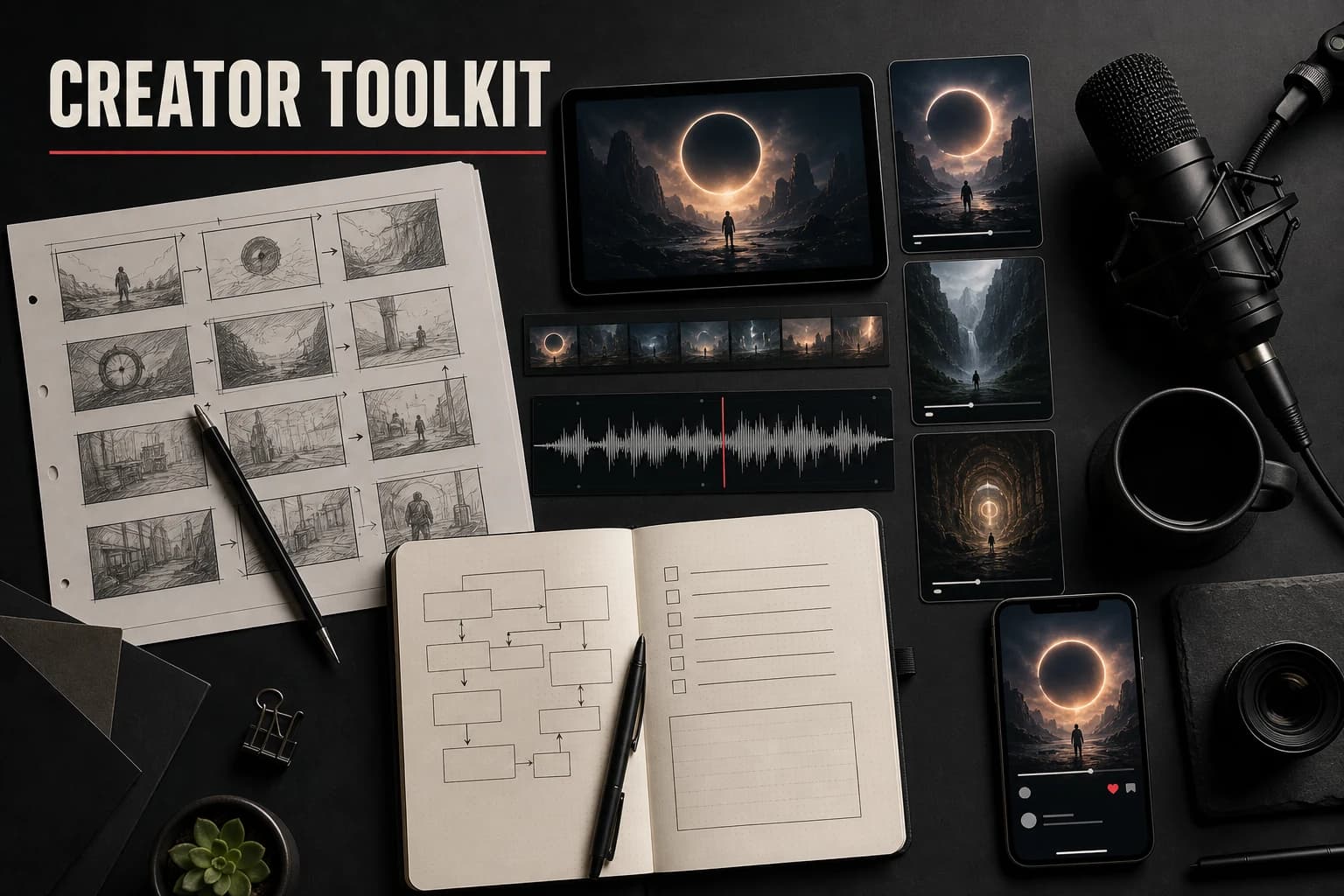
Most creators do not need AI to invent an entire post. They need a thumbnail, a difficult B-roll shot, or a background they cannot film. AI-0 can cover those image and video pieces with credits earned through optional ads.
Why AI-0 fits the creator workflow
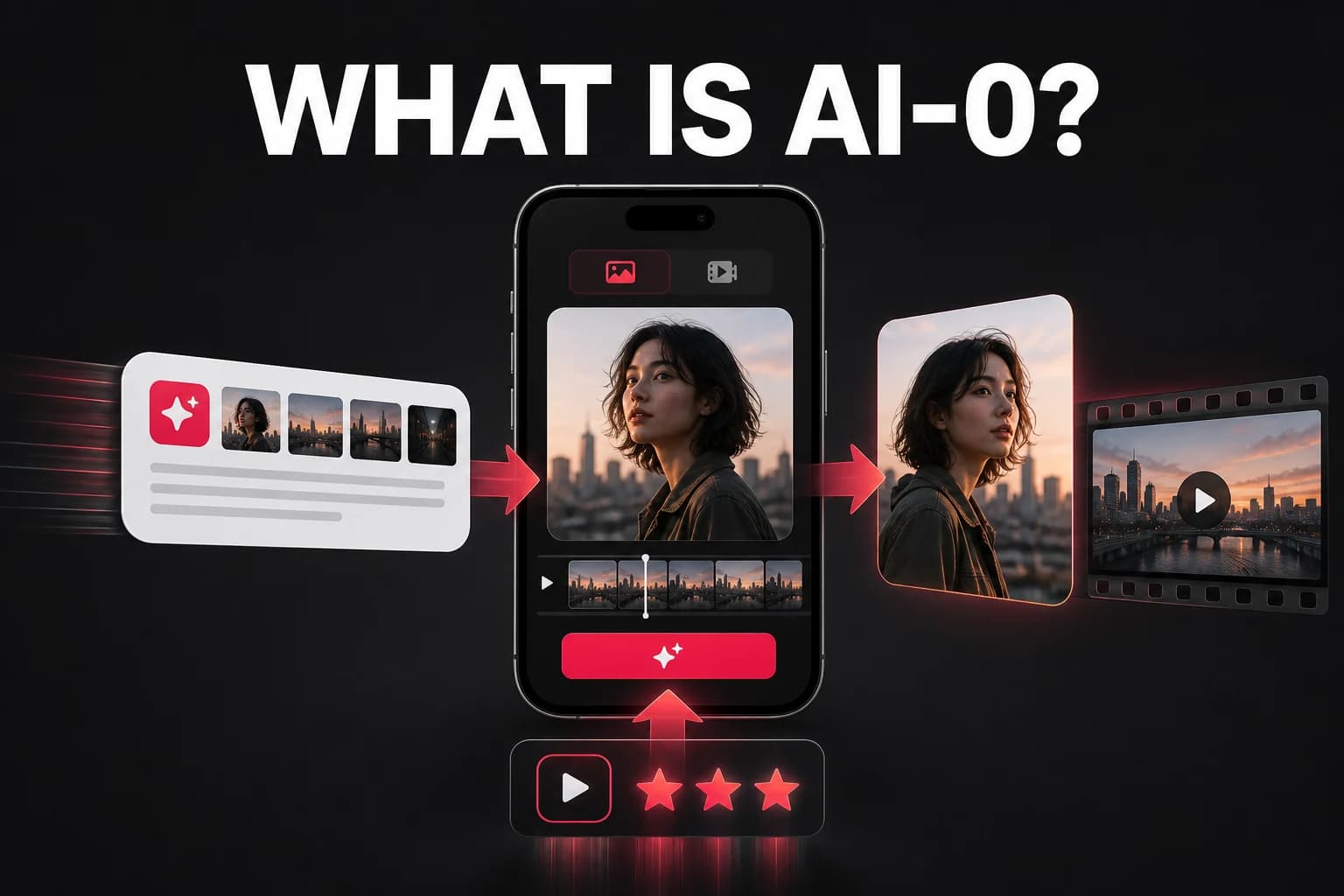
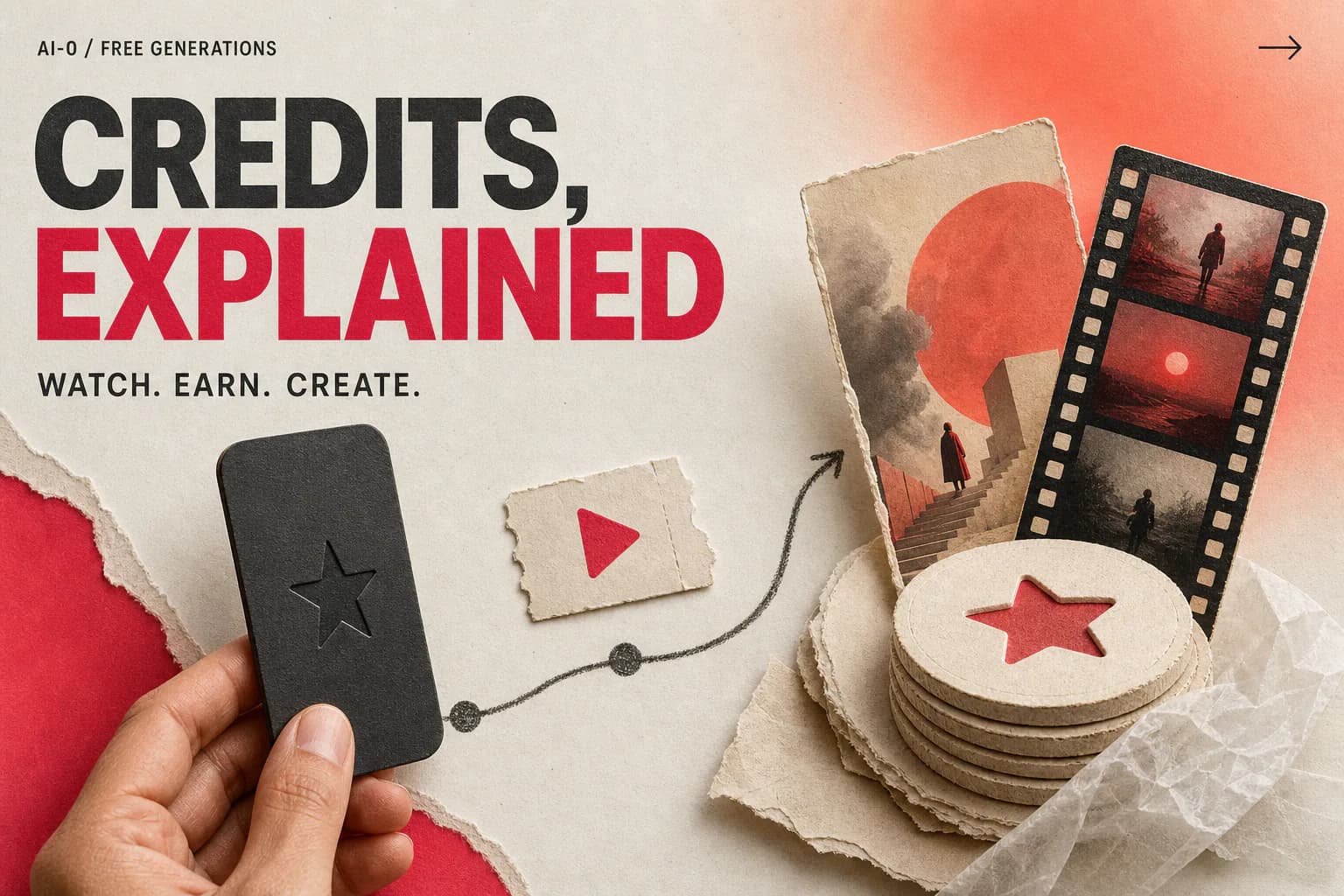
AI subscriptions can add another recurring cost, especially when you use separate image and video tools. AI-0 uses ad-earned credits instead: watch an ad when you choose, then spend the displayed credits on a generation. It works best when you know which missing asset you are trying to make.
The mobile app also makes it easy to test an idea away from your main editing setup.
Content types and which models to use
YouTube thumbnails
A thumbnail needs a clear subject and readable composition at a small size. Try GPT Image 2 for realistic subjects or Grok Imagine Imagefor a more stylized composition.
Short-form video (TikTok, Reels, Shorts)
Seedance 2.0 and Veo 3.1 can create short clips for B-roll, transitions, and opening shots. Generate a few clips around one theme, then edit the useful moments into your own footage.
Social media graphics
Nano Banana Pro is useful for quick visual variations. Keep the subject, palette, and composition terms consistent when a series needs to feel related.
Background visuals and overlays
Use Google Omni or Wan 2.7 for looping abstract backgrounds, ambient visuals, and motion overlays. These work well behind text-based content and talking-head videos.
A practical weekly workflow
Batch the decisions before you batch the generations. A short list of required formats will save more credits than a folder of loosely related ideas.
- Plan: list the week's posts and the visual format each one needs.
- Explore: test thumbnail concepts with low-cost image generations.
- Produce: generate B-roll only after the visual direction is settled.
- Review: keep useful prompts and note which model produced each result.
Prompt tips for creator content
- Keep a file of prompts that worked, then reuse and adjust them.
- Use consistent style keywords across all your content to build a visual brand ("cinematic, warm tones, shallow depth of field").
- Generate a small set of variations and test distinct ideas rather than tiny changes.
- For thumbnails, describe the focal subject, contrast, and empty space for text.
How much can you generate?
The total depends on the current ad reward and the cost of each model and setting. AI-0 shows both amounts in the app. Refine a concept with image generations before spending more credits on video.
Create on your phone with AI-0
Watch a short ad when you need credits, choose an image or video model, and create without a monthly subscription.
 Download on the App Store
 Get it on Google Play