Best Free AI Image Generators With Mobile Apps
Compare free AI image generator apps for iPhone and Android by mobile availability, free access, workflow, download links, and practical limits.
What is the best AI image generator app for iPhone and Android? Start with AI-0 if you want several models in one app and would rather earn credits from optional ads than start a subscription. Pick ChatGPT for back-and-forth image edits, Canva for laying out a finished post, Leonardo.Ai for dense controls, or Adobe Firefly if your work already lives in Adobe apps.
That answer is less tidy than naming one winner, but it is more useful. A person making a poster needs different tools from someone testing character concepts on the train. The five apps below all run on iPhone and Android. Their free access, however, works in five slightly different ways.
I checked the companies' current help pages and store listings on August 21, 2026. Allowances and available models change often, so look at the cost beside the Generate button before committing to a long batch.
Best free AI image generator apps at a glance
| App | Free access | Best reason to use it | Main catch |
|---|---|---|---|
| AI-0 | Credits from optional ads and in-app rewards | Trying different models in one mobile app | Rewards depend on ad availability; models have different costs |
| ChatGPT | Image creation on the Free tier | Conversational prompting and revisions | Image generation has a separate rate limit |
| Canva | Limited shared monthly AI allowance | Turning an image into a designed social post | AI uses are pooled; some content or tools require payment |
| Leonardo.Ai | 150 tokens per day | Model settings, references, and rapid variations | Costs vary; free creations are public |
| Adobe Firefly | Limited free daily generations | Moving work into Adobe's editing apps | A paywall appears when free credits run out |
“Free” in this table means you can make at least some images without paying. It does not mean limitless generations, access to every model, or identical rights on every export. Those details are where most roundups become unhelpful.
1. AI-0: best for free model exploration on a phone
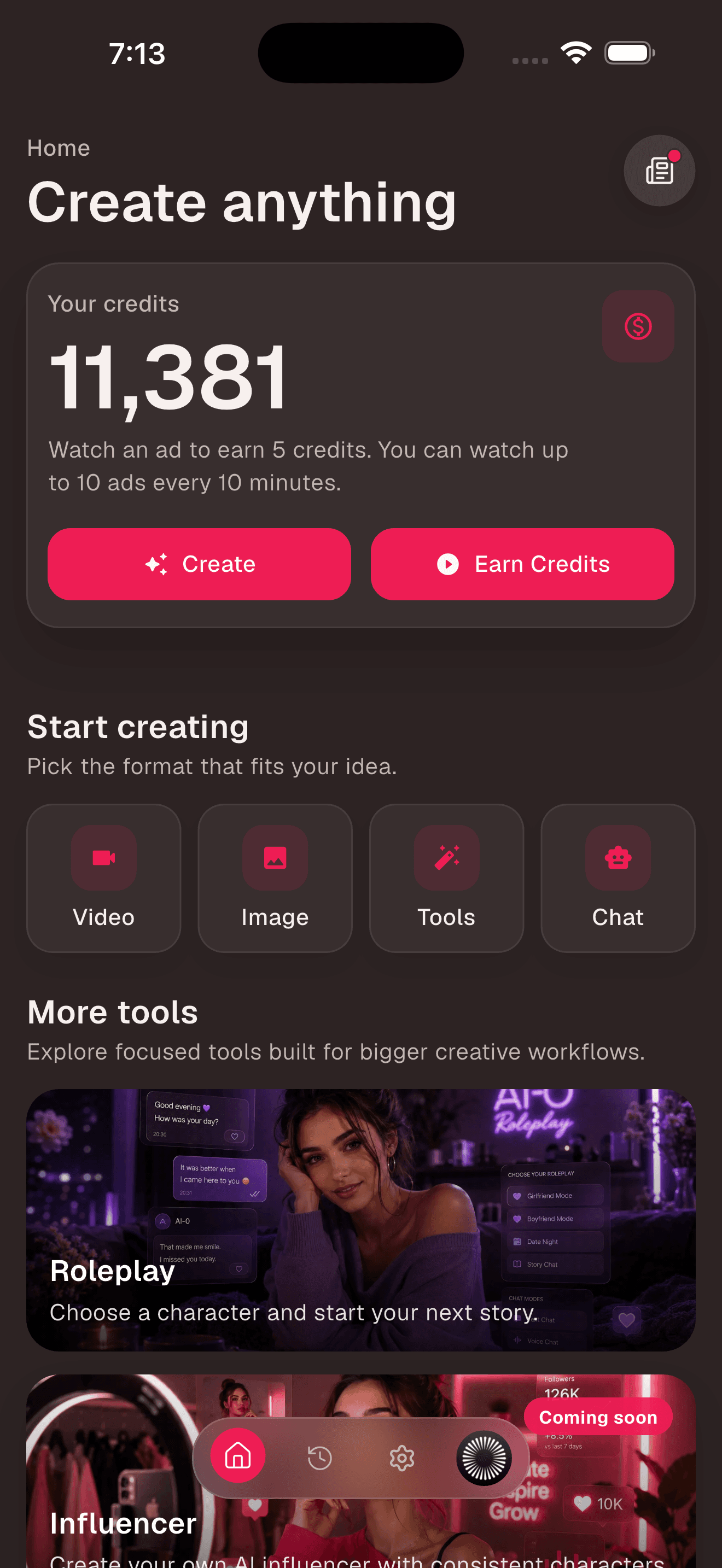
AI-0 puts image and video creation in the same mobile app. Its useful difference is the way credits work: you can choose to watch an available ad, earn credits, and spend them on a generation. There is no required monthly plan. Different models cost different amounts, and an ad reward may not always be available at the exact moment you want one.
That setup suits the slightly unpredictable way many people create. You may make nothing for a week, then need six possible thumbnails on Saturday afternoon. Paying every month feels wasteful in that situation. Watching a few ads is not invisible or instant, but at least the trade is clear.
How to make your first image in AI-0
- Install AI-0 from the App Store and Google Play.
- Open the app and follow the sign-in prompts shown on your device.
- Check the credit balance at the top of Home.
- If you need credits, tap Earn Credits and choose an available reward.
- Tap Image under Start creating, then choose a model.
- Write what should appear, choose the available size or style settings, and generate.
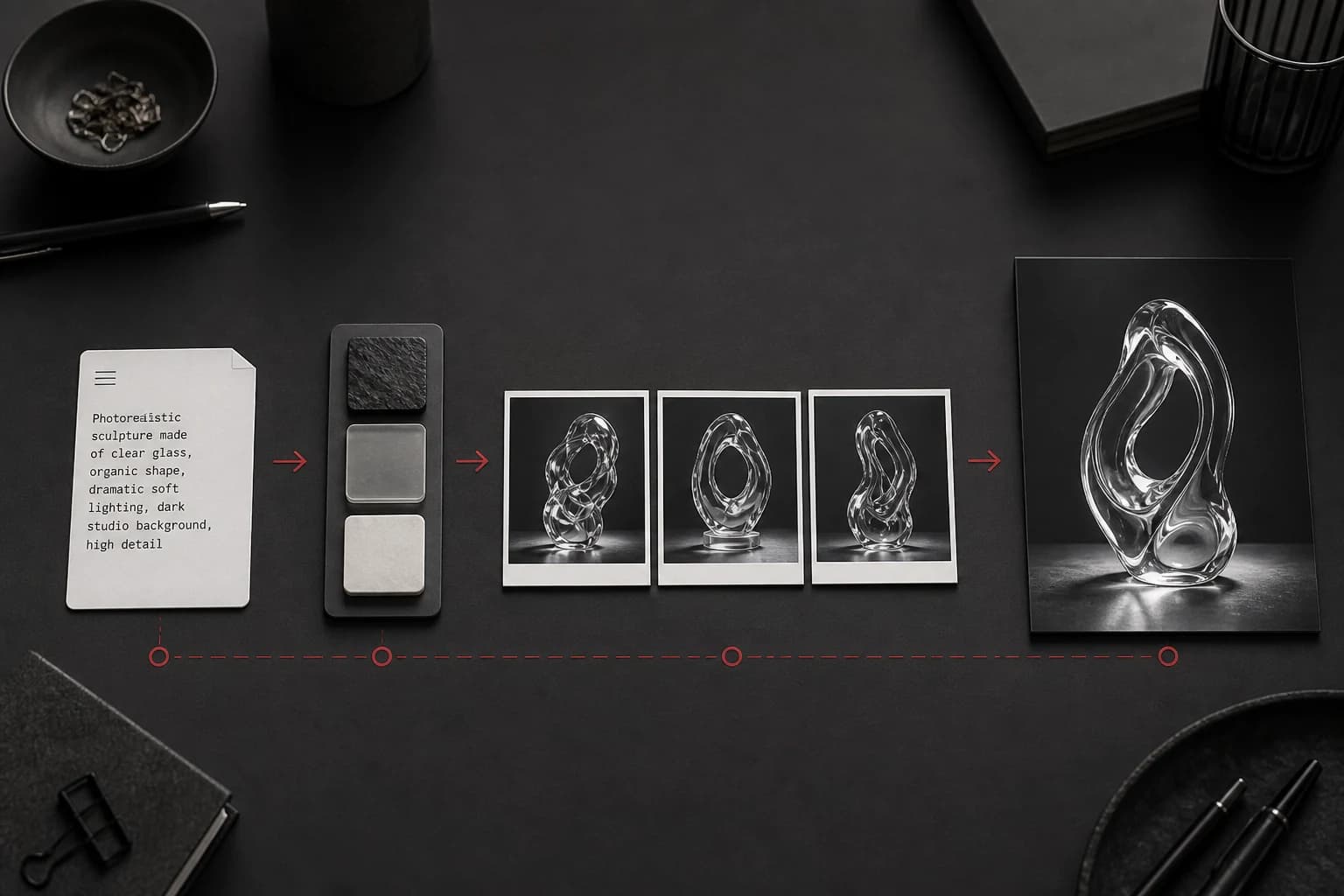
For a first prompt, describe the subject, setting, light, and intended format. “Red running shoe on a wet track, early morning side light, low camera, vertical product photo” gives the model useful decisions to make. A pile of style adjectives usually does not. Our AI image prompt guide has more examples that are easy to adapt.
2. ChatGPT: best for revising an image through conversation
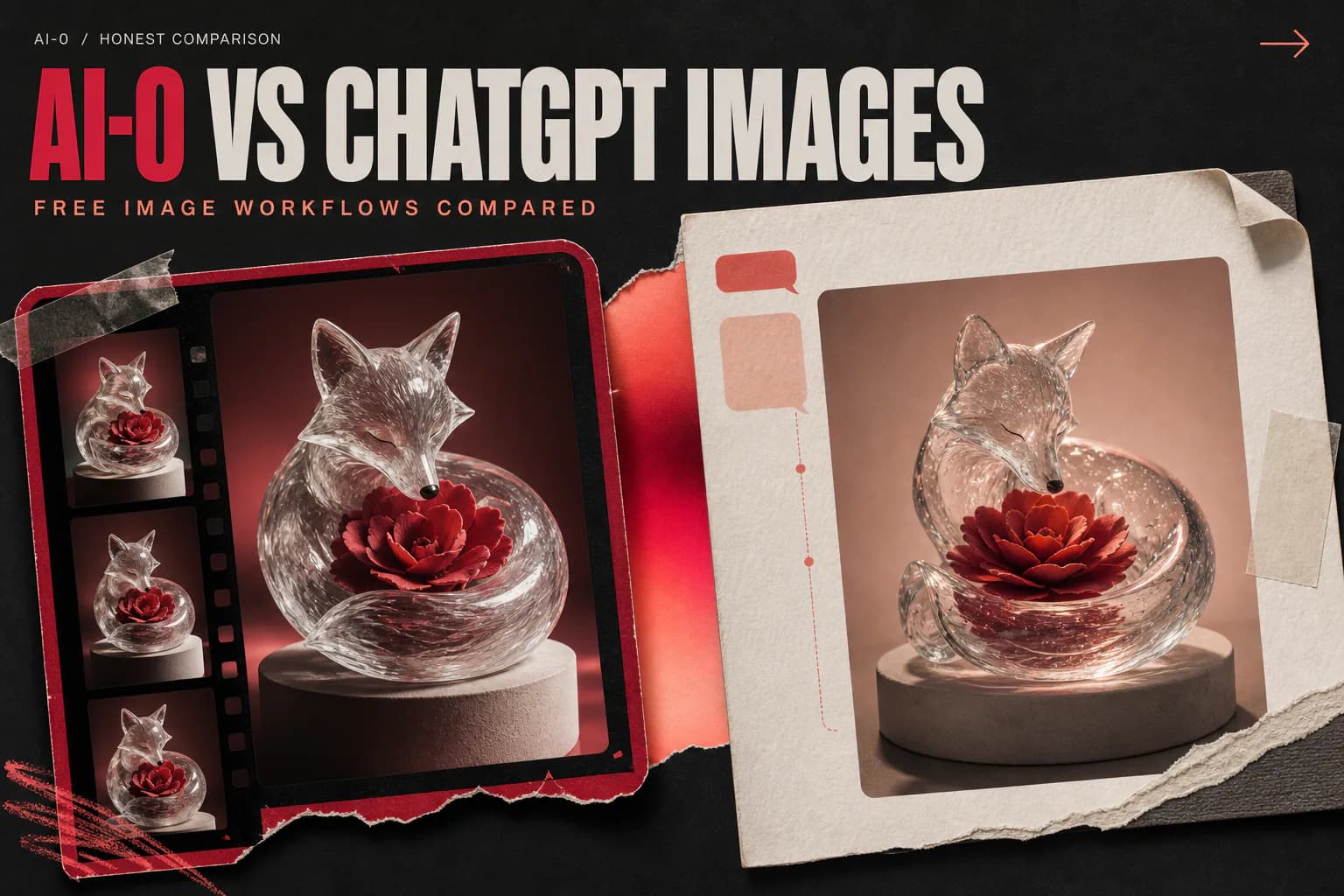
ChatGPT Images works more like a conversation than a traditional settings panel. Make an image, ask to change the jacket, remove the background, or widen the composition, then continue from there. OpenAI says ChatGPT Images is available on the web, iOS, and Android, and image creation is available to Free users. The company also says image generation has its own usage limit, so reaching a text-chat limit and reaching an image limit are not necessarily the same event. See OpenAI's ChatGPT Images guide and Free Tier FAQ.
Install the official app from the App Store and Google Play, sign in, open Images or a new conversation, and describe what you want. This is the app I would choose when the revision itself is hard to express with sliders. It is less appealing when you want to compare a long list of named image models from one screen.
3. Canva: best when the image is only the first half of the job
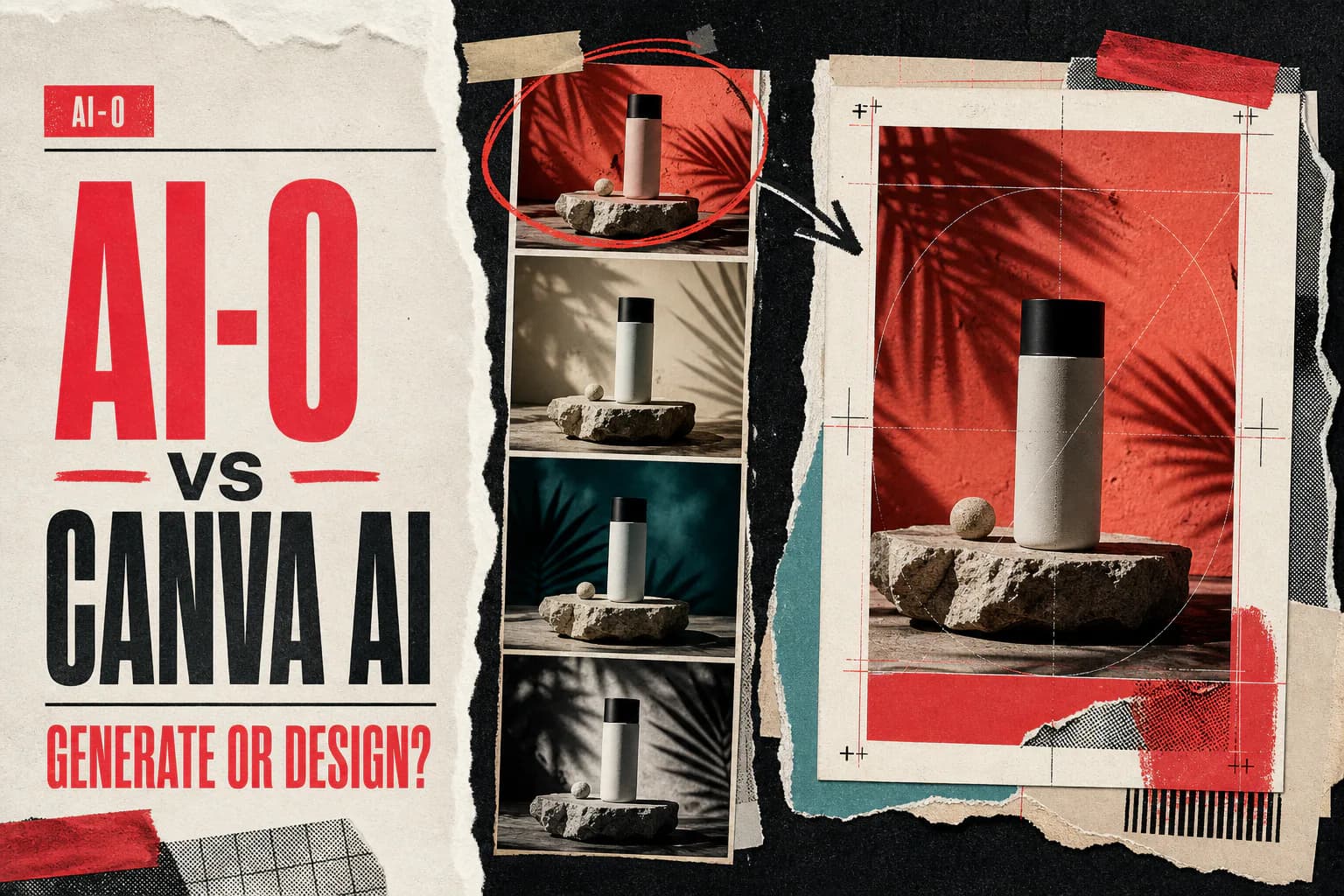
Canva makes sense for Instagram posts, flyers, channel banners, and presentations because generation happens inside a design editor. Once an image is on the canvas, you can add type, resize the layout, move elements, and export the finished piece without shuffling between apps.
Canva's current pricing page describes a shared monthly AI allowance. A Free account can use up to 200 Standard AI uses or up to 20 Premium AI uses, but the total depends on the tools and complexity involved. Canva also warns that the allowance is pooled and may change. That is a lot less catchy than “20 free images,” but it is the accurate way to read the plan. Check the current Canva plan table before a large project.
Download Canva from the App Store and Google Play, create a free account, open a design, and find Magic Media under Apps. Canva's official Magic Media instructions cover the same workflow on desktop and mobile.
4. Leonardo.Ai: best for people who enjoy generation controls
Leonardo.Ai gives Free users 150 tokens each day. Unused free tokens expire rather than rolling over, and every model or feature can charge a different amount. The Generate button shows the cost before you run it. Leonardo's token FAQ is refreshingly specific about this.
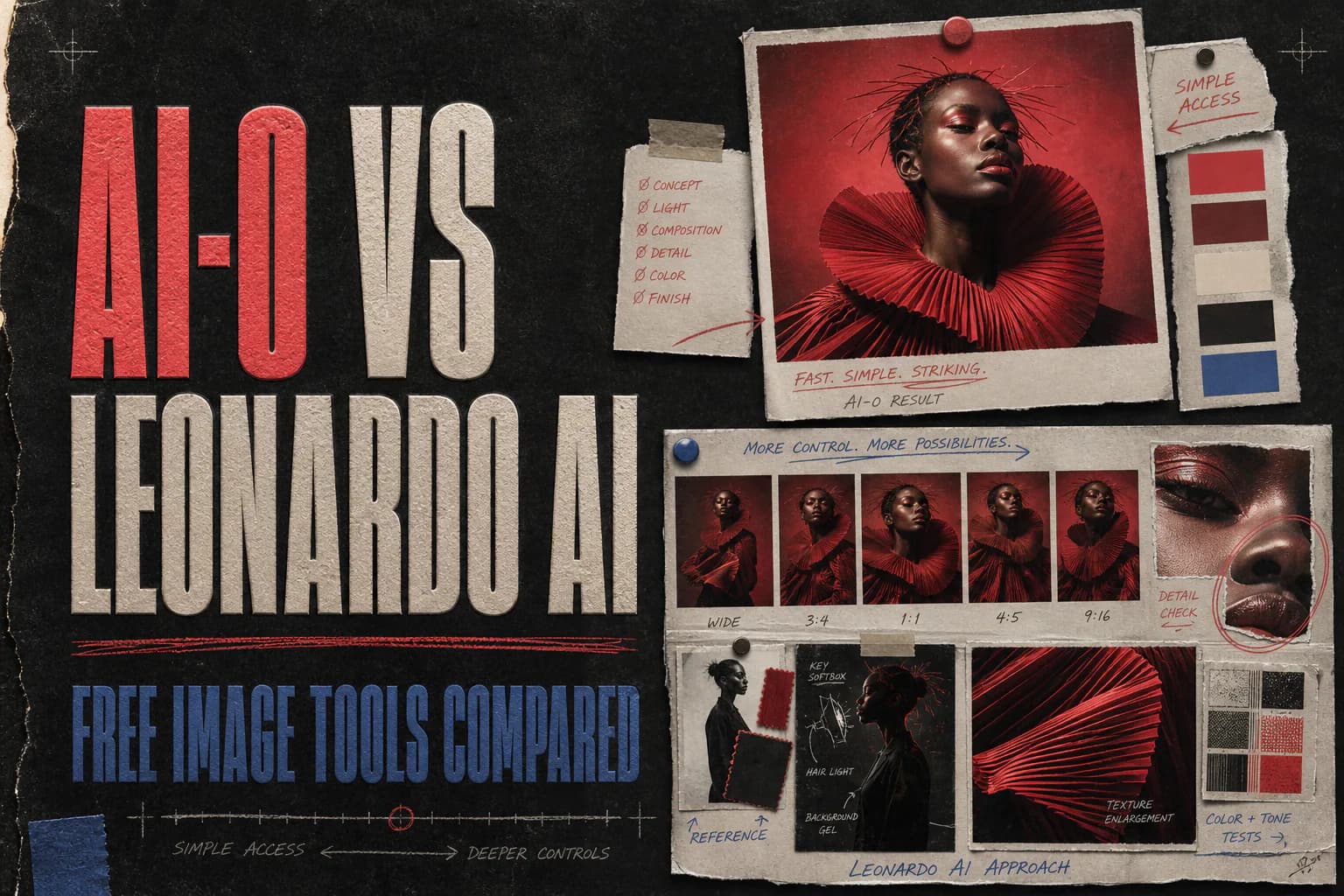
The controls are the attraction: model selection, reference images, generation size, and variation tools give you room to tinker. There is a real privacy catch on the free tier. Leonardo says free creations are public, while private generations are a paid option. Read its commercial use and privacy explanation before uploading a confidential client reference.
The official apps are on the App Store and Google Play. Sign in with one of the listed account options, open Image Generation, pick a model, check the token cost, and generate.
5. Adobe Firefly: best for an Adobe handoff
Firefly's mobile app can generate and edit images, then move compatible work into Adobe apps. Adobe says the free app includes a limited number of free daily generations. Once those credits are exhausted, generation screens present a paywall. That makes Firefly suitable for occasional tests, not a dependable free production queue. Adobe explains the limit in its mobile app FAQ.
Install it from the App Store and Google Play. You can browse before signing in, but Adobe requires sign-in when you generate. The mobile FAQ lists Apple, Google, Adobe ID, Microsoft, and other sign-in options depending on the platform.
How to choose without downloading all five
Work backward from the file you need. If the finished result is a laid-out post with a headline and logo, Canva saves an export-and-import step. If you expect to say “keep everything, but make the cup blue,” ChatGPT's conversational editing feels natural. Leonardo.Ai is for the person who wants to inspect model settings. Firefly is easier to justify when Photoshop, Express, or Premiere is next.
AI-0 occupies another spot: casual mobile generation across multiple models without a required subscription. The ad-supported credit loop asks for some time instead of money. Whether that is a good deal depends on how often you create and how much waiting bothers you.
A fair way to compare image apps
Use one prompt, one aspect ratio, and the default model in each app. Save the first generation. Then allow yourself one revision and save that too. Compare the second images for instruction following, readable text, anatomy, and how much work remains before publishing. Looking only at each app's luckiest first result tells you very little.
Frequently asked questions
What is the best AI image generator app for iPhone and Android?
AI-0 is a useful first choice if you want to try different image models and earn credits through optional ads. ChatGPT is better for conversational revisions, Canva for finishing social designs, Leonardo.Ai for detailed controls, and Adobe Firefly for Adobe-centered workflows.
Is there a completely free AI image generator app?
Several apps let you generate images without paying, but free access has a limit or tradeoff. AI-0 uses optional ad-supported credits, Leonardo.Ai refreshes a daily token allowance, and ChatGPT, Canva, and Firefly apply usage limits to free accounts.
Can I generate AI images on both iPhone and Android?
Yes. AI-0, ChatGPT, Canva, Leonardo.Ai, and Adobe Firefly have official apps for both iPhone and Android. Feature access can vary by plan, region, device, and app version.
Do free AI image generator apps add watermarks?
Watermark and provenance rules vary by app and feature. Check the download screen and current terms before using an image commercially. A free app listing alone does not guarantee every export is unrestricted.
Which free AI image app is best for social media posts?
Canva is convenient when the generated image needs text, a template, and exact social dimensions in one project. AI-0 is a better fit when model choice and generating the source image matter more than page layout.
Where I would start
Download the one that matches the next thing you need to publish. For raw image exploration on a phone, start with AI-0 and earn enough credits for a small test. For a finished social graphic, start in Canva. Keep ChatGPT, Leonardo.Ai, and Firefly in mind for the specific workflows they handle well. Five installed apps are not a creative system; one app you understand usually is.
Create on your phone with AI-0
Watch a short ad when you need credits, choose an image or video model, and create without a monthly subscription.
 Download on the App Store
 Get it on Google Play