AI-0 vs. Leonardo AI: Free Image Generation Compared
Compare AI-0 and Leonardo AI free image generation by access conditions, model controls, generation steps, privacy, and mobile workflow.
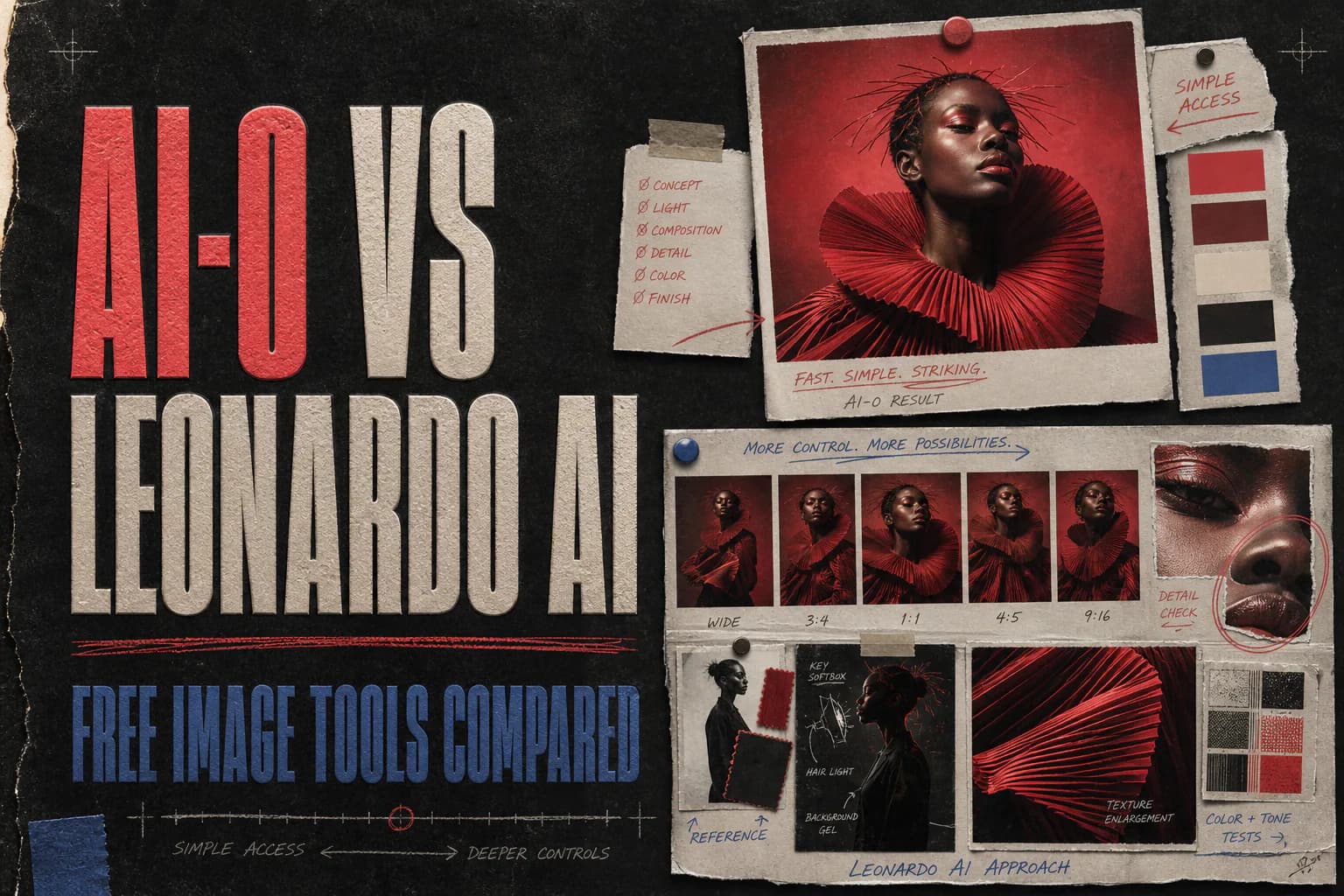
AI-0 is a good free Leonardo AI alternative when you want a simpler mobile workflow and a way to earn generation credits through optional ads. Leonardo's Free plan is better for creators who want deeper controls and a predictable 150-token daily reset, provided they are comfortable with free creations being public.
AI-0 vs Leonardo AI is the closest of these comparisons because both products expose model choice and use an internal balance for creative work. The balances behave differently, though. AI-0 credits can be earned through available ad rewards. Leonardo's 150 Free-plan tokens reset each day.
The other difference is density. Leonardo puts a lot on the workbench: models, generation modes, image guidance, dimensions, batch size, editing, upscaling, collections, and video. AI-0 trims the setup down for a phone. That can feel refreshing or restrictive. It depends on whether you came to explore controls or make the image and move on.
AI-0 vs Leonardo AI at a glance
| Question | AI-0 | Leonardo AI |
|---|---|---|
| Free access | Credits earned through optional ads | 150 Fast Tokens per day on the Free plan |
| Reset or refill | Earn more when ad rewards are available | Free token allocation resets daily |
| Free creation privacy | Follow the current privacy and gallery controls in the app | Public, according to Leonardo's pricing table |
| Model choice | Several current image and video models | Large model suite with automatic or manual selection |
| Advanced controls | Compact, model-dependent settings | Modes, dimensions, batches, references, editor, and upscaling |
| Platforms | iPhone, iPad, and Android | Web, iOS, and Android |
| Better fit | Quick mobile generations without a subscription | Detailed image development and asset management |
Source check, August 21, 2026: Leonardo's pricing page lists 150 daily Fast Tokens, a 150-token bank, public creations, basic quality settings, and one personal collection on the Free plan. Its official generation guide explains that model and settings determine token cost. AI-0 rewards, models, and generation costs are dynamic and should be checked in the current app.
How the free balances compare
Leonardo's free condition is unusually easy to describe: its pricing page currently lists 150 Fast Tokens per day. The tokens reset daily. They are not 150 images. A generation can cost more or less depending on the model, mode, image size, batch count, and extra features. Leonardo shows the cost on its Generate button.
AI-0 also displays the price before generation, but it does not rely on the same automatic daily refill. You can choose an available rewarded ad, receive credits, and spend them on an image or video model. Rewards may pause or change, so it is a better fit for someone flexible about timing than a production team promising twenty assets by lunch.
Neither balance maps neatly to "how many images?" A cheap draft and a high-quality image do not necessarily cost the same. Always set the model and options first, then read the final button.
The actual generation process
Generating a free image in AI-0
- Open the app and check the credit balance on Home.
- Use Earn Credits if you need more and an ad reward is available.
- Open Image and choose a model from the current list.
- Write the prompt, choose the format, and review the displayed cost.
- Generate, inspect the image at full size, and download the keeper.
Download AI-0 from the App Store or Google Play. If you are new to the credit loop, our AI-0 credits guide explains the tradeoffs in more detail.
Generating a free image in Leonardo
- Create an account or sign in to the Leonardo web or mobile app.
- Enter a prompt on the home page for automatic model selection, or open Image.
- Choose a model, generation mode, dimensions, and number of images if needed.
- Check the token cost shown on Generate.
- After generation, use the Library to download, edit, upscale, share, or animate it.
Leonardo's official guide recommends Fast mode for lower-cost ideation and Ultra mode for higher fidelity at a greater token cost. Free access does not unlock every premium control, and the pricing table says free creations are public.
Where Leonardo earns its complexity
The extra controls are not decoration. Dimensions and batch size help when testing formats. Image Guidance can use references for composition, style, or subjects. Collections keep a longer project from turning into one endless feed. The editor and upscalers let you keep working after the first generation.
Leonardo also offers automatic model selection for beginners. You can type a prompt on the home page and let the platform choose, then open the fuller image tool when you need more say. That makes the learning curve less abrupt than the control panel first suggests.
Still, the interface asks for attention. If you only need a portrait for a post while riding the bus, choosing modes, guidance, and collections may feel like unpacking a toolbox to hang one picture.
Where AI-0 is easier
AI-0's advantage is not a hidden technical feature. It is fewer decisions. You pick the medium, pick a model, describe the image, and see the cost. Switching to video uses the same credit balance and familiar mobile structure.
The compromise is just as plain. Creators who need fine reference weighting, a large asset library, multiple upscaling routes, or private generations with a documented plan setting will find more depth in Leonardo. AI-0 is designed for access and speed, not to reproduce every control of a studio platform.
Compare both with one useful prompt
Use a concept that exposes control problems instead of rewarding random prettiness:
Editorial photo of a red folding bicycle beside a pale concrete wall, late morning shadow, silver front basket holding three lemons, eye-level 50 mm view, generous blank wall on the right, landscape 3:2.
Keep the first attempt from each tool. Check whether the bicycle frame stays plausible, whether there are exactly three lemons, and whether the right side remains empty. Then make one controlled revision: change only the wall to dark green. A good workflow preserves the bicycle rather than rebuilding the whole photograph.
Repeat with the same model class and similar quality settings when possible. Comparing an economy draft in one app with a premium mode in another tells you more about the settings than the platform.
When AI-0 is the better free alternative
- You want to earn credits at the moment you are ready to create.
- You mainly work on a phone and value a short path to the Generate button.
- You want images and video in the same compact workflow.
- You do not need a dense editor or a large project library.
When Leonardo is worth using instead
- A predictable daily token refill suits your schedule.
- You want to control dimensions, batch count, modes, and references closely.
- You plan to upscale, edit, organize, and animate assets in one workspace.
- You understand that Free-plan creations are public and that condition is acceptable.
The privacy point people can miss
Leonardo's public Free-plan creations deserve more than a footnote. Do not feed a public workflow an unreleased product, private client photograph, or confidential campaign asset. Review the current terms and visibility setting first. Paid Leonardo plans add private creation access, according to the pricing table.
For any generator, read the product's current privacy and usage terms before uploading sensitive source material. A free generation is not worth creating a client problem.
Is AI-0 the best free Leonardo alternative?
AI-0 is the stronger free Leonardo alternative for someone who values mobile speed and optional ad-earned credits. Leonardo is stronger for deliberate image development. Its 150 daily tokens are easy to understand, and its editing controls go much further.
Start with AI-0 when you have a prompt and want the shortest route to a few options. Start with Leonardo when the generated image is the beginning of a longer technical workflow. The Free-plan privacy condition may decide the matter before image quality does.
Frequently asked questions
What is the best free alternative to Leonardo AI?
AI-0 is a useful free alternative for mobile creators who want multiple image models and can earn credits through optional ads. Leonardo is stronger for people who want a deeper browser workspace, advanced controls, public discovery, and 150 free tokens that reset daily.
Is Leonardo AI free to use?
Yes. Leonardo's official pricing page lists a $0 Free plan with 150 Fast Tokens per day. Free creations are public, quality settings are basic, and token cost varies by the model and settings used.
Does AI-0 give daily free credits?
AI-0's free route is based on credits earned through optional ad rewards rather than Leonardo's fixed daily token reset. Reward availability, cooldowns, model costs, and the amount offered can change inside the app.
Which has more advanced image controls, AI-0 or Leonardo AI?
Leonardo has the deeper image workspace. Its official guide documents model selection, Fast and Ultra modes, dimensions, batch size, references, collections, upscaling, editing, and video conversion. AI-0 keeps the mobile flow more compact.
Are free Leonardo AI generations private?
No. Leonardo's pricing page labels Free-plan creations as public. Paid plans include private creation access. Check the visibility setting before uploading a personal, client, or confidential reference image.
Create on your phone with AI-0
Watch a short ad when you need credits, choose an image or video model, and create without a monthly subscription.
 Download on the App Store
 Get it on Google Play