AI-0 vs. Canva AI: Which Tool Is Better for Everyday Creators?
Compare AI-0 and Canva AI for image generation, layouts, editing, mobile workflows, and free access to see which tool fits your project.
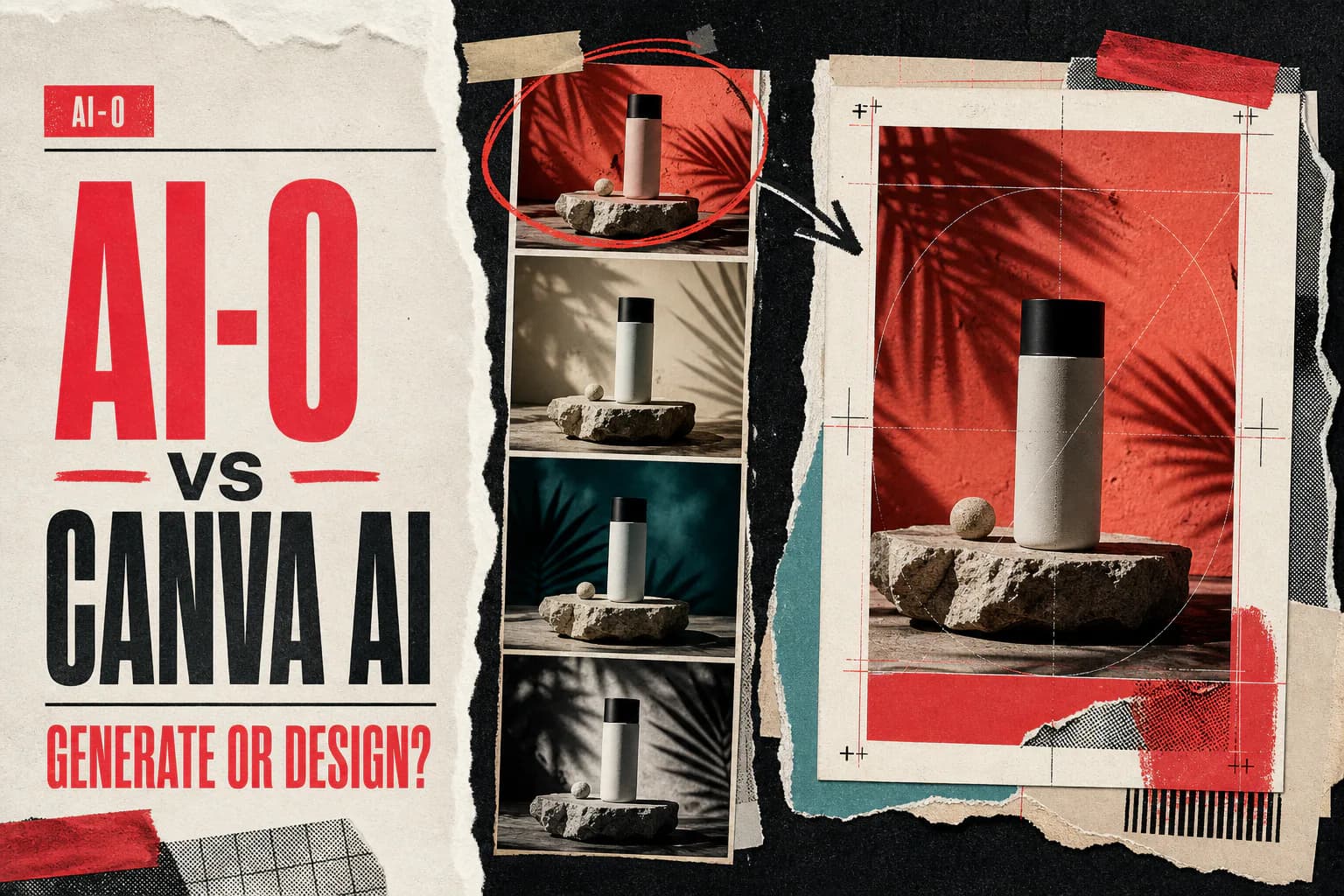
Use AI-0 when you mainly want to generate and compare AI images without a subscription. Use Canva when the image is only one piece of a finished post, presentation, flyer, or ad. AI-0 is generation-focused; Canva combines limited free AI use with a much larger design and editing workspace.
The AI-0 vs Canva AI question sounds like a straight image-generator contest. It is not. Canva is a design tool that added generation. AI-0 starts with generation and gives you several models for images and video. The distinction becomes obvious about thirty seconds after the first image appears.
In Canva, that image can drop into a template, sit behind a headline, pick up a logo, and leave as an Instagram post. In AI-0, the natural next move is another model, another prompt, or a video based on the still. Your real destination matters more than a generic quality score.
AI-0 vs Canva AI at a glance
| Question | AI-0 | Canva AI |
|---|---|---|
| Can you start free? | Yes, using credits earned through optional ads | Yes, with a shared monthly AI allowance |
| Primary strength | Generating images and video with model choice | Turning assets into complete designs |
| Free allowance | Credit balance; more may be earned when rewards are available | Monthly pool shared across eligible AI tools |
| Image workflow | Pick model, prompt, format, and generation settings | Generate inside a design, then edit the whole layout |
| Design tools | Basic creation and model-specific options | Templates, text, stock assets, pages, and export formats |
| Platforms | iPhone, iPad, and Android | Web, desktop, iPhone, iPad, Android, and Chromebook |
| Better fit | Generating raw visual options | Publishing a composed design |
Source check, August 21, 2026: Canva's pricing page lists Canva Free's current shared AI allowance and explains that the total depends on the tool tier and task complexity. The Magic Media guide documents image generation, styles, reference images, and mobile steps. Canva and AI-0 can change availability, allowances, and costs, so check the number shown in the app before a large project.
How free access differs
AI-0 uses credits. Optional rewarded ads provide a way to earn more, and each model shows a cost before generation. It is a time-for-credits trade. There may be cooldowns, not every ad reward is always available, and expensive settings can use a balance quickly.
Canva Free uses a shared monthly AI allowance. Its pricing page separates Standard and Premium AI use and notes that complexity or a mix of tools can change how many tasks fit in the allowance. Canva AI 2.0's full feature set is reserved for eligible paid plans, though Free users still get some AI tools.
That makes the reset behavior quite different. AI-0 users may earn again when rewards are available. Canva users work within the allowance attached to their plan and billing cycle. Neither is a promise of unlimited instant generation.
What creating an image feels like in each app
AI-0: choose the generation setup first
Open Image, select one of the current models, enter a prompt, pick the format, and inspect the credit cost. The model picker is the point. If one model makes the product label fuzzy or gives a portrait the wrong mood, you can try the same idea elsewhere without rebuilding your workflow in another service.
AI-0 is also comfortable moving from stills to motion. A generated key image can become the source for an image-to-video model. That is useful for creators making short clips, but it does not replace a timeline editor or a complete social design canvas.
Canva: begin with the thing you need to publish
Canva can start from a design type such as a story, presentation, poster, or thumbnail. In Magic Media, you write a prompt, choose a style and layout, generate a set, then place one result directly into the current design. Canva's official help page also documents square, landscape, and portrait choices plus reference-image support.
The advantage shows up after generation. You can add copy, move layers, swap fonts, bring in stock media, and prepare the final size without exporting to another editor. If the goal is a sale graphic due in an hour, this matters more than having five image models to test.
Use the same concept to find your better tool
Try a realistic job, not a vague prompt such as "make something cool." For example:
A top-down photo of a lime sparkling-water can on wet black stone, hard afternoon sun, crisp droplets, open space on the left for a headline, vertical 4:5 composition.
In AI-0, generate the prompt with two models and compare the can shape, readable details, and empty space. In Canva, generate the image once, place it in a 4:5 post, add the headline, and export. Then count the corrections. The better tool is the one that gets your actual post finished with less repair.
Choose AI-0 when the source image is the hard part
- You want several image models in one mobile app.
- You are still exploring the visual and expect to generate many alternatives.
- You would rather earn credits through optional ads than add a monthly subscription.
- You plan to animate the final image with an AI video model.
Download AI-0 from the App Store or Google Play. Read our AI image prompting guide before spending credits on small wording changes.
Choose Canva when the layout is the hard part
- The deliverable needs typography, a logo, or a reusable branded layout.
- You already keep your templates and stock assets in Canva.
- Several people need to comment on or revise the same design.
- You need a presentation, document, or multi-page asset rather than a standalone image.
Free users should watch for Pro content inside a template. Canva's licensing guide explains that Pro library items show a watermark for free accounts unless licensed or replaced. That is separate from whether the AI image generation itself used a free allowance.
A two-app workflow often makes more sense
This comparison does not need a dramatic winner. Generate the source image in AI-0, where switching models is easy. Download the one that survives close inspection. Then open Canva for the ordinary design work: crop it, add the headline, lock the brand colors, and export the exact social size.
It is one extra handoff, but it keeps each app on the job it handles better. For more on the mobile generation side, see our free AI image generation guide.
Should you use Canva or AI-0?
Choose AI-0 if "create AI images" means testing prompts, comparing models, and perhaps animating a still later. Choose Canva if it means producing a finished communication piece with type, layout, and brand assets. Canva has far more design machinery. AI-0 gives the generation step more room.
Everyday creators frequently need both jobs. Start with the one consuming most of your time. If that is finding the right source image, AI-0 is the better first stop. If it is turning an acceptable image into a polished deliverable, open Canva.
Frequently asked questions
Should I use Canva or AI-0 to create AI images?
Use AI-0 when the image generation itself is the main job and you want to compare models. Use Canva when the generated image needs to become a finished social post, presentation, flyer, or ad inside the same editor.
Is AI-0 free compared with Canva AI?
Both have a free route. AI-0 lets users earn credits through optional ads. Canva Free includes a monthly AI allowance, but the exact number of uses depends on whether a feature counts as Standard or Premium AI and how complex the task is.
Can Canva Free generate AI images?
Yes. Canva's official pricing page includes AI uses with Canva Free, and Magic Media can generate images from a prompt. Some Canva AI 2.0 features and higher allowances require a paid plan.
Does AI-0 have Canva-style templates and design editing?
AI-0 is primarily a generation app, not a full layout editor. Canva is better equipped for templates, typography, stock media, multi-page designs, and preparing a generated image for publication.
Can I use AI-0 and Canva together?
Yes. A sensible workflow is to generate several source images in AI-0, download the strongest one, and place it in Canva for cropping, text, logos, and export. The tools solve different parts of the job.
Create on your phone with AI-0
Watch a short ad when you need credits, choose an image or video model, and create without a monthly subscription.
 Download on the App Store
 Get it on Google Play