AI image generators with more creative control in 2026
What people mean by an uncensored AI image generator, where mainstream tools set limits, and which options offer more practical creative control.
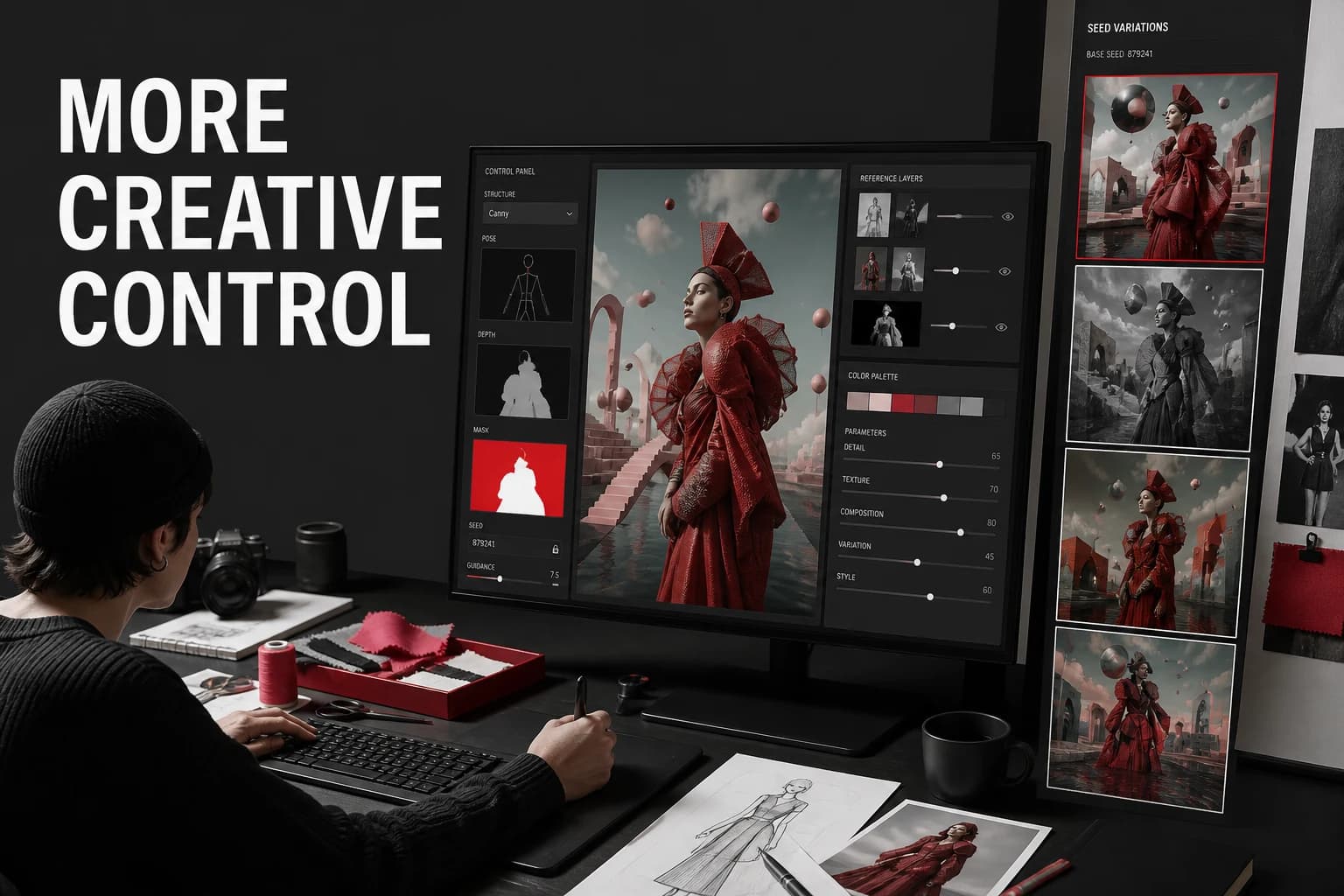
People searching for an "uncensored" AI image generator often want fewer false rejections or more control over style. No major mainstream app is literally uncensored. Each tool has legal and safety limits, but some offer more practical flexibility than others.
What "uncensored" means in practice
In this category, "uncensored" almost never means that anything goes. It usually means one of the following:
- Fewer false rejections on normal creative prompts
- Broader style support, including edgy, surreal, dark, or mature aesthetics
- More control over open or self-hosted models
- Less aggressive filtering on non-harmful artistic content
That distinction matters, because many listicles use the keyword "uncensored" loosely without explaining what users are actually getting.
AI image generators with more creative control
| Tool | Why people choose it | Best for |
|---|---|---|
| AI-0 | Several image models in one app | People who want model choice without a local setup |
| Stable Diffusion (self-hosted) | Open weights and deep control | Maximum control for advanced users |
| Leonardo.Ai | Broad styles and creator tooling | Web creators who want flexibility |
| Playground | Casual experimentation with lighter friction | Quick visual concepting |
1. AI-0: multiple models in one app
AI-0 gives you several image models in one mainstream app. Switching models can help when one model rejects a harmless prompt, interprets it too literally, or misses the intended style.
A harmless prompt can fail for a fairly boring reason: one model reads it too literally or simply struggles with the requested style. AI-0 lets you try that prompt in GPT Image 2, Grok Imagine Image, Grok Imagine 1.5, Nano Banana Pro, and other available models without rebuilding the whole setup elsewhere.
- No local model installation or checkpoint management.
- Model switching inside one mobile interface.
- Credits available through optional ads.
Create an image with AI-0
Download AI-0 on iPhone or Android. Watch a short ad when you need credits, then choose an image model and start a generation.
 App Store
 Google Play
2. Stable Diffusion: the most control
If your real goal is maximum control, open-weight models are still the strongest route. Stability AI's Stable Diffusion 3.5 announcement explicitly says the models are downloadable, customizable, and available under the Stability Community License.
A self-hosted setup offers the most control. It also requires suitable hardware and time to manage models, interfaces, and settings.
3. Leonardo.Ai: flexible but still productized
Leonardo sits between a consumer app and a self-hosted workflow. Its official image generator page presents it as free to try. It includes a broad style library and browser-based editing tools.
Leonardo can be a comfortable middle ground if a local Stable Diffusion setup sounds like homework. You still work inside a commercial product with safety rules, but you get a broad style library and more controls than many simple prompt boxes provide.
4. Playground: good for looser experimentation
Playground is popular with users who want to try ideas quickly without too much process. It is useful for concept art, poster ideas, thumbnails, and stylized experiments. It is not as broad a platform as AI-0, but it can feel lighter and faster for testing prompts.
Who should choose AI-0?
AI-0 suits people who do not want to run a local pipeline or manage checkpoints. You can move a harmless rejected prompt to another model, compare the interpretations, and keep working from a phone. AI-0 still has safety rules; model choice is not a way around them.
- Several image models in one place
- No local hardware setup
- Ad-earned credits for the free workflow
Create an image with AI-0
Download AI-0 on iPhone or Android. Watch a short ad when you need credits, then choose an image model and start a generation.
Which AI-0 models feel the most flexible?
- Grok Imagine Image for detailed, wide-ranging creative styles.
- Grok Imagine 1.5 for expressive, artistic, and more adventurous visuals.
- Nano Banana Pro for bold stylized results and fast iteration.
- GPT Image 2 for polished prompt following when precision matters.
Which option should you use?
Choose self-hosted Stable Diffusion when control matters enough to justify the setup. Choose AI-0 when you prefer a mobile app, several models, and credits earned through ads.
Create on your phone with AI-0
Watch a short ad when you need credits, choose an image or video model, and create without a monthly subscription.